Every template, one face model
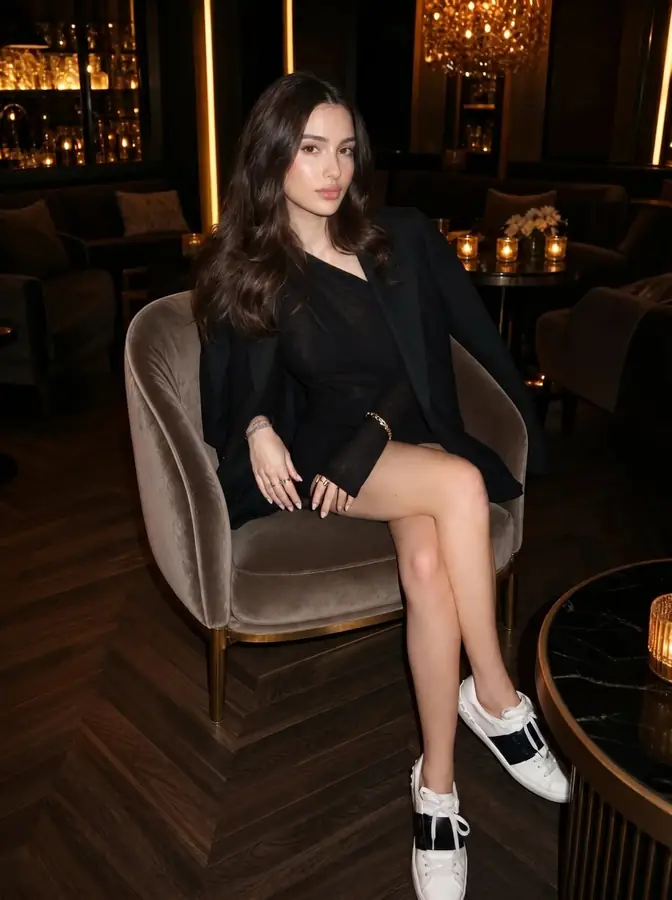
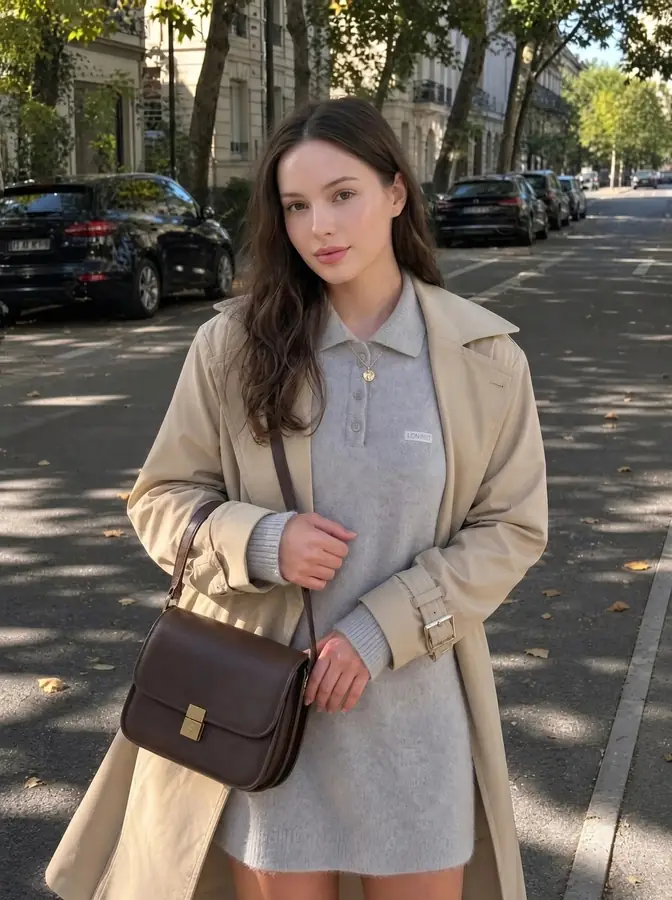
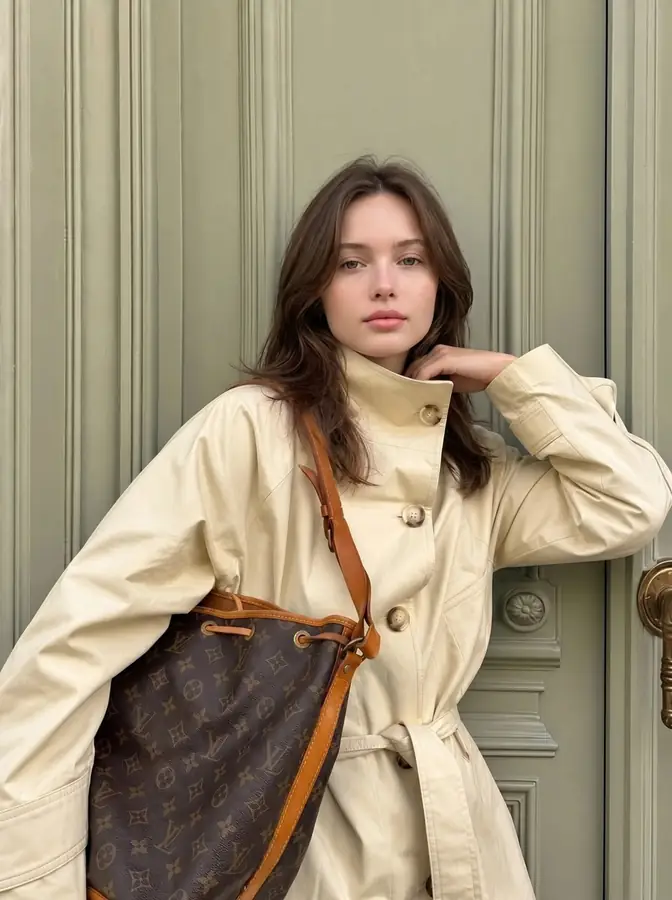
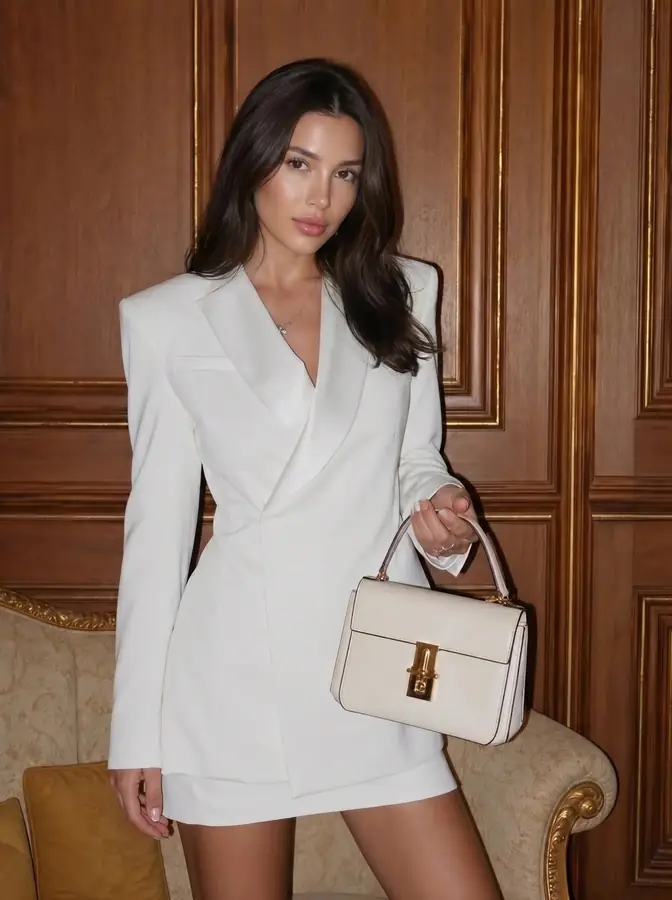
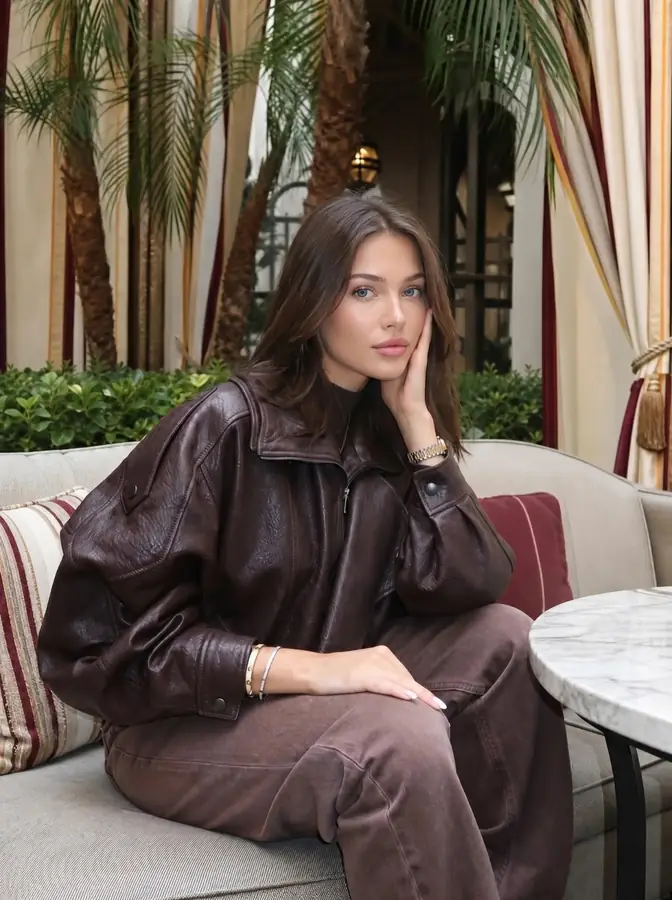
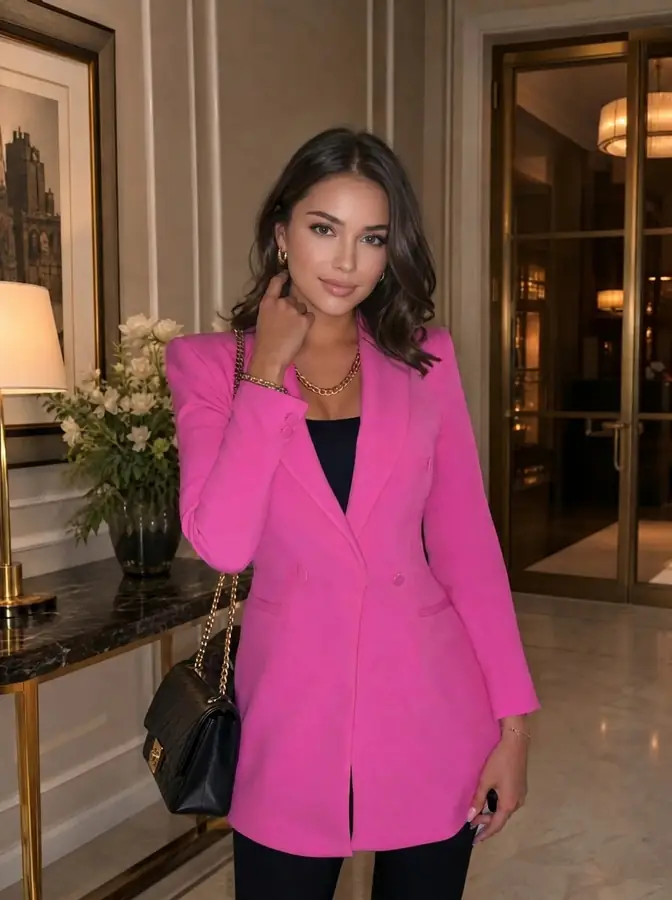
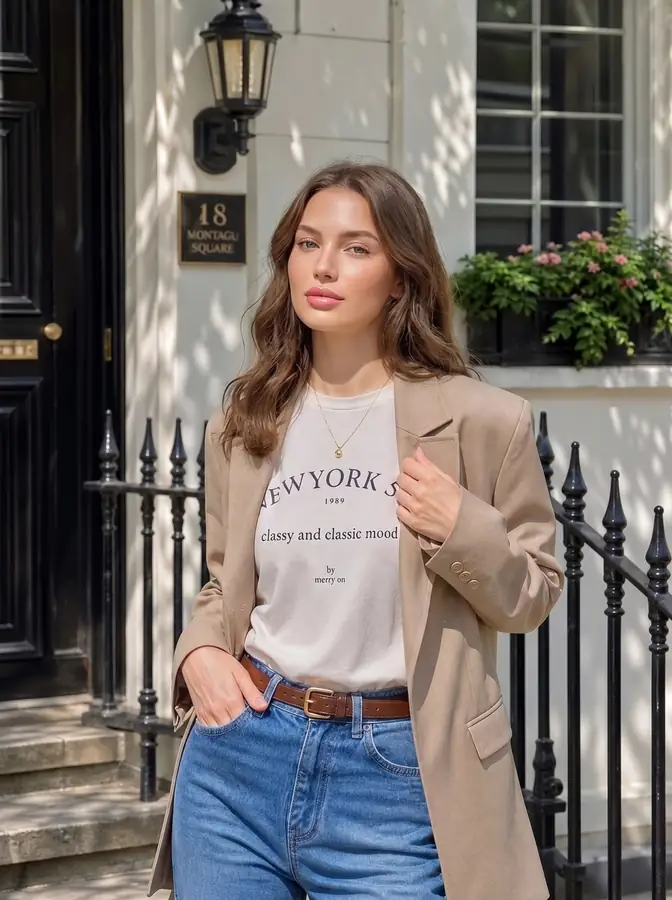
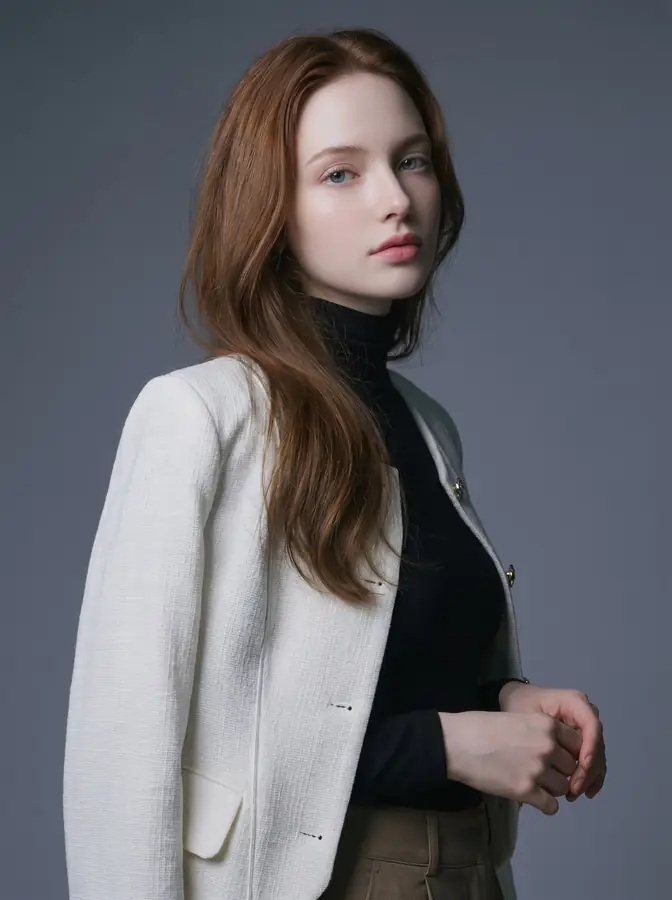
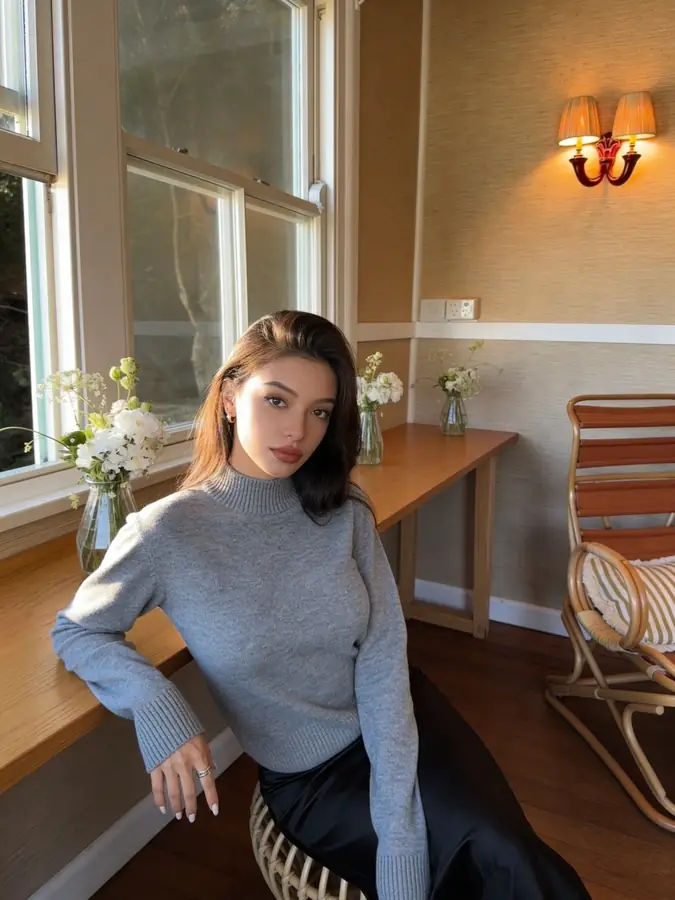
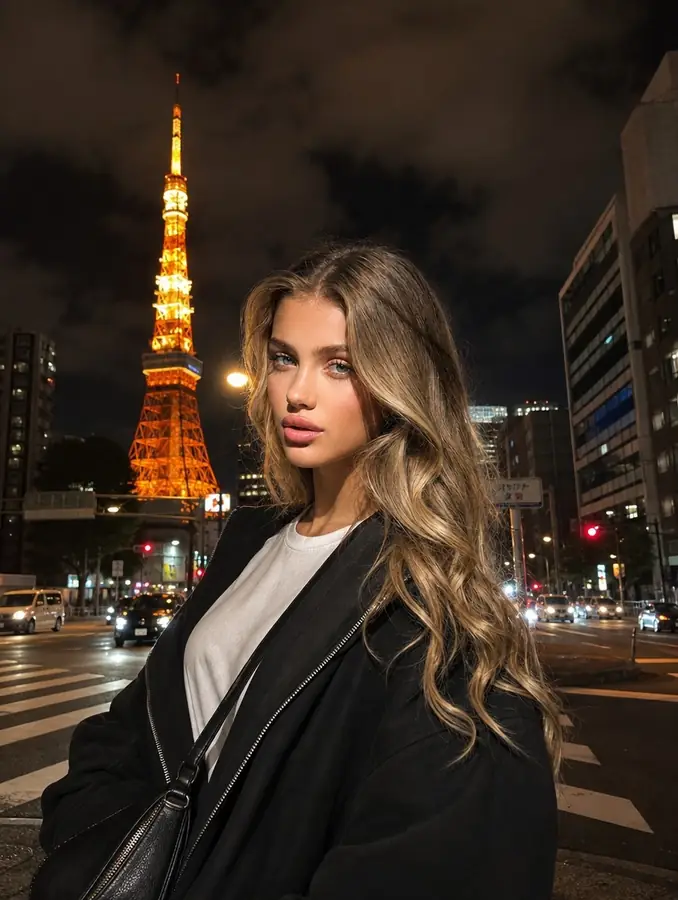
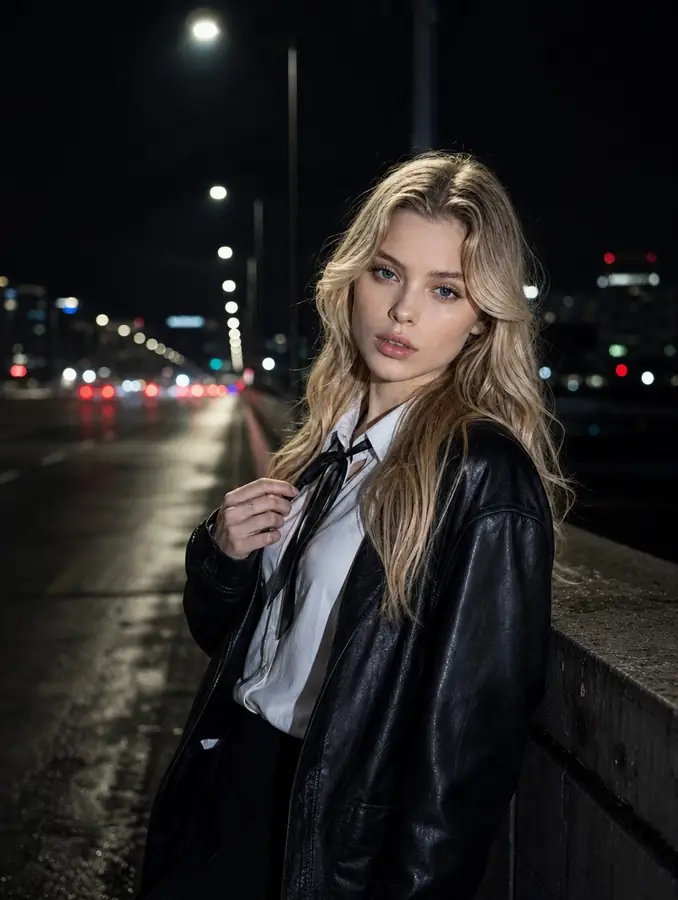
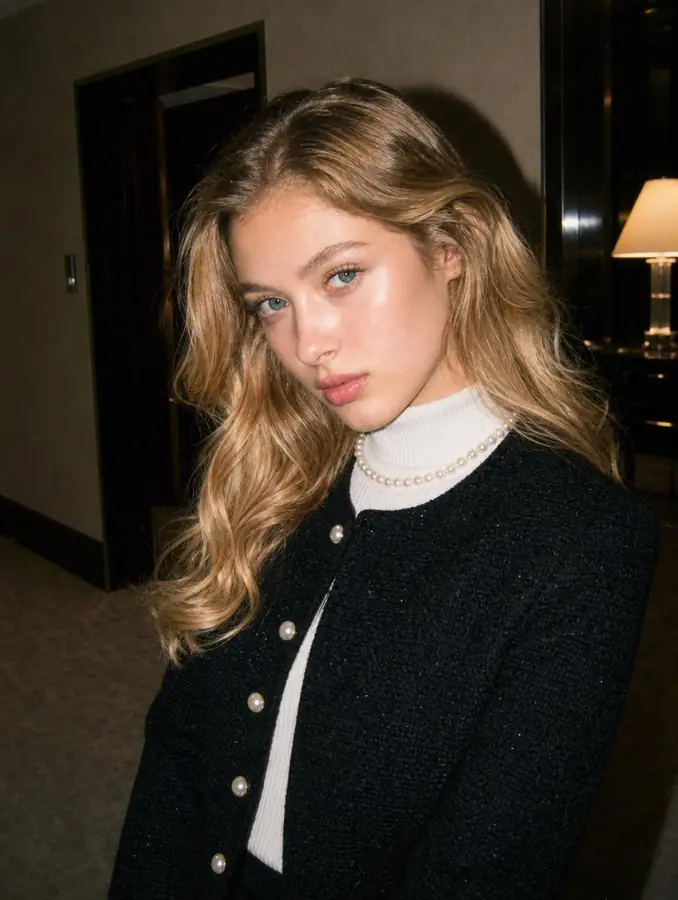
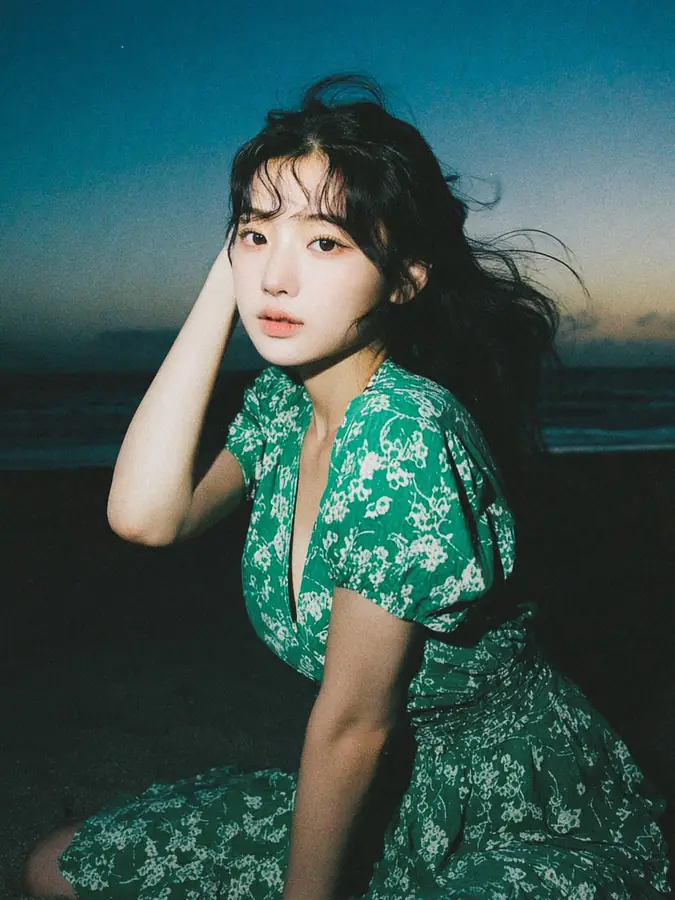
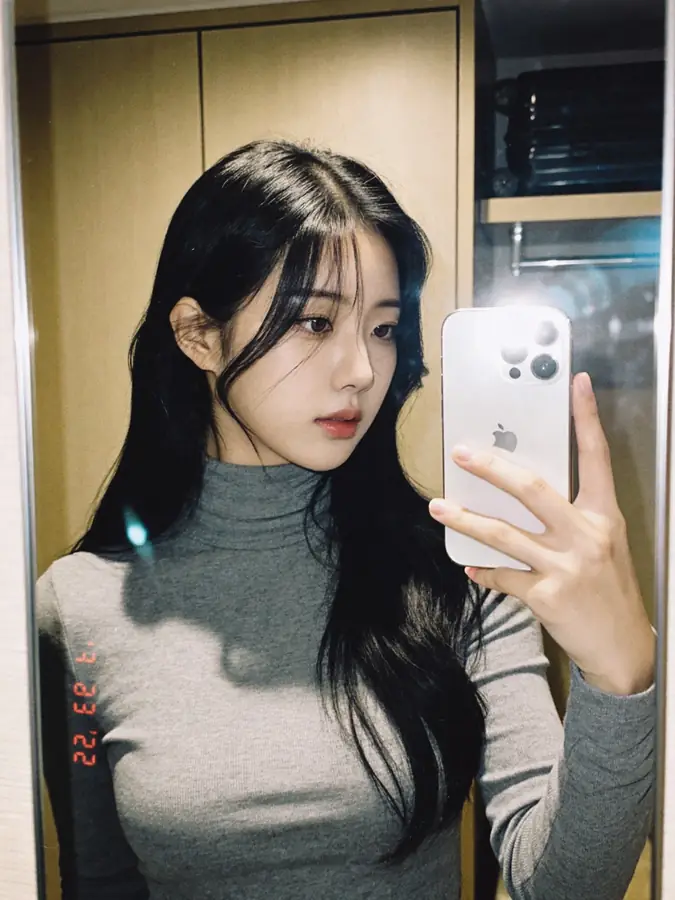
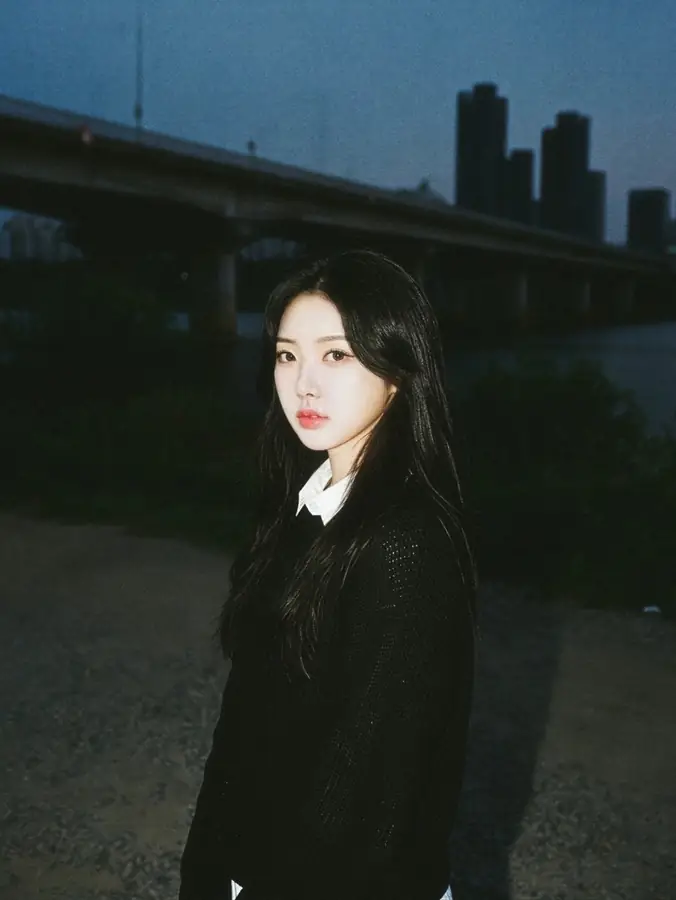
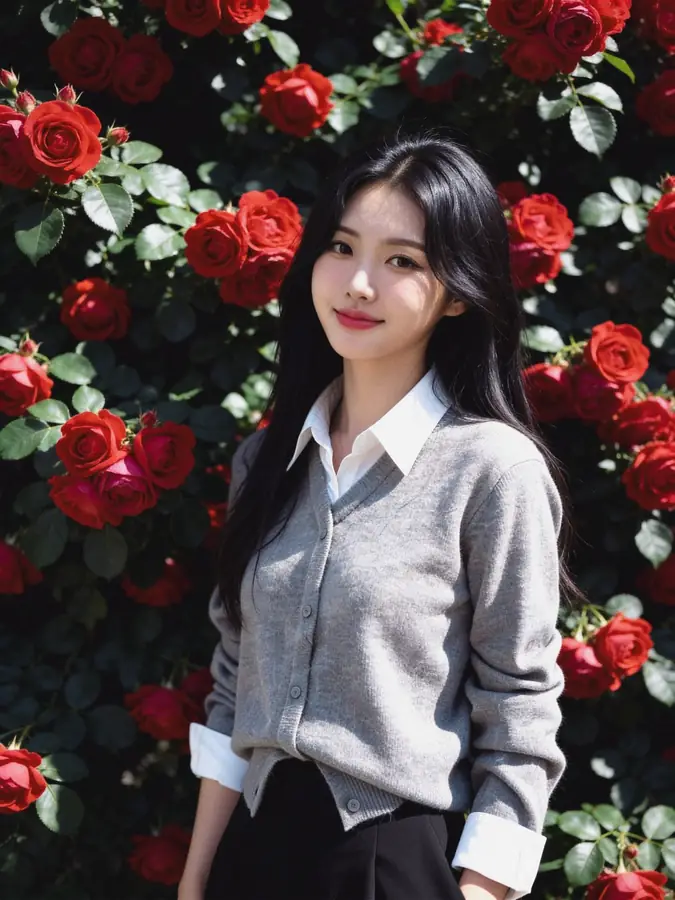
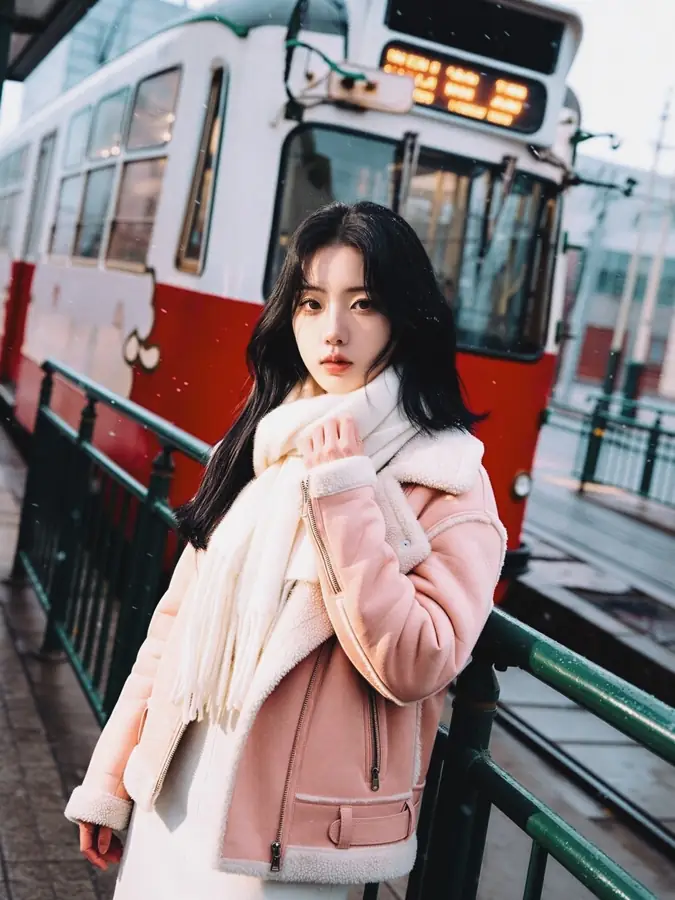
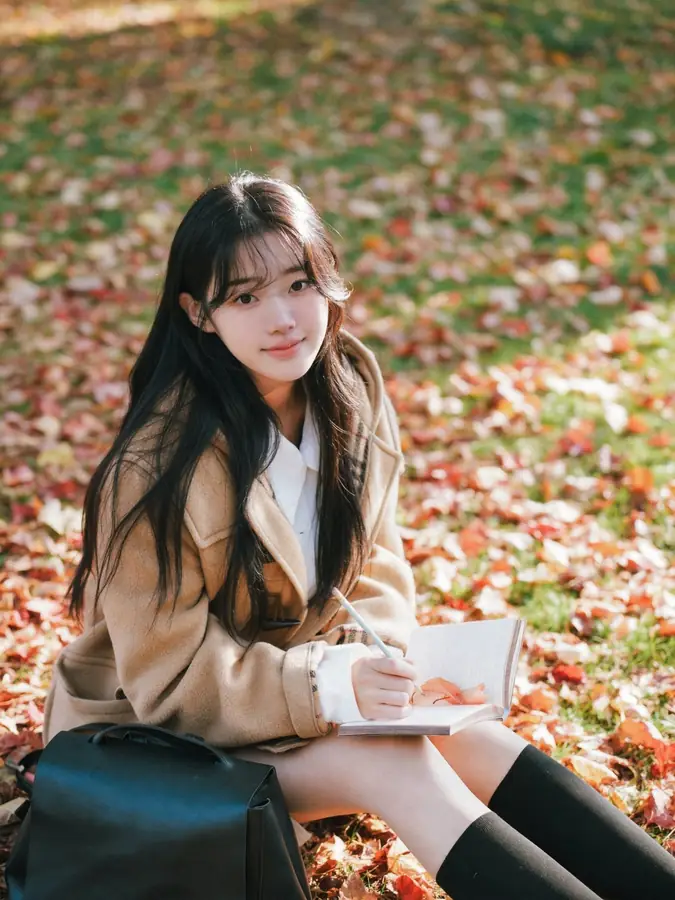
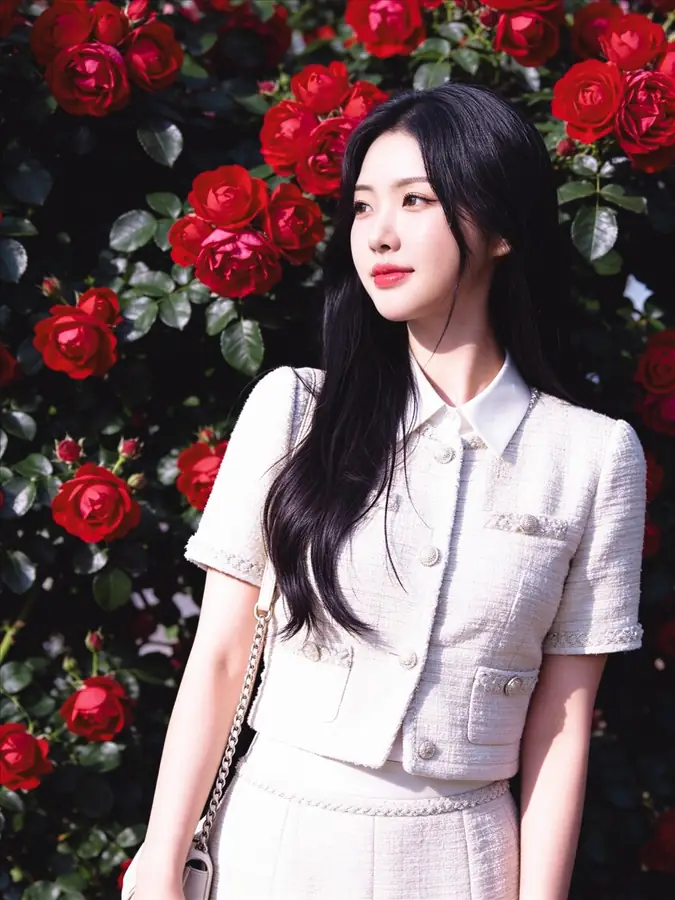
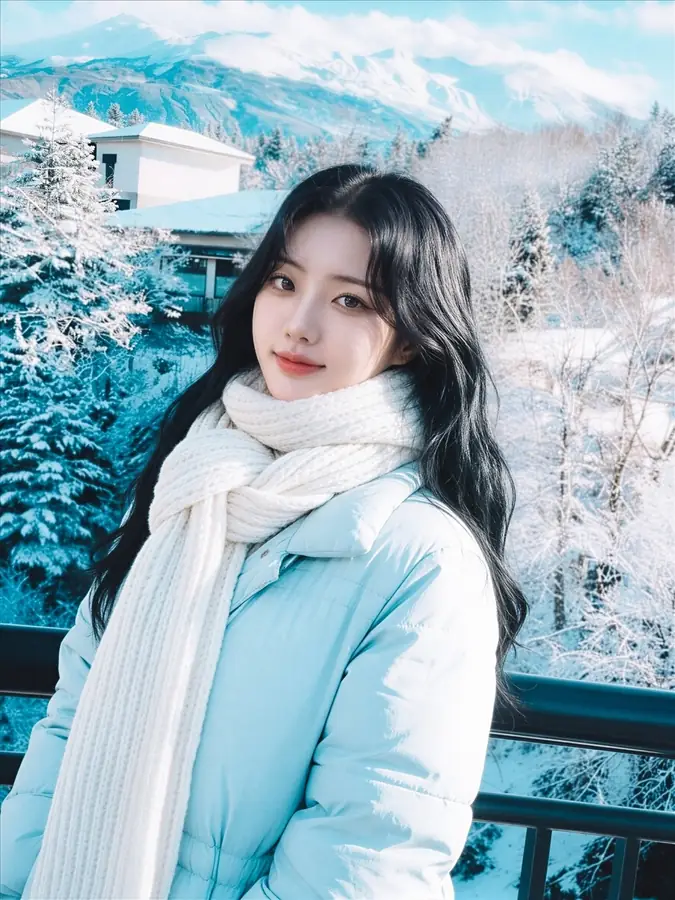
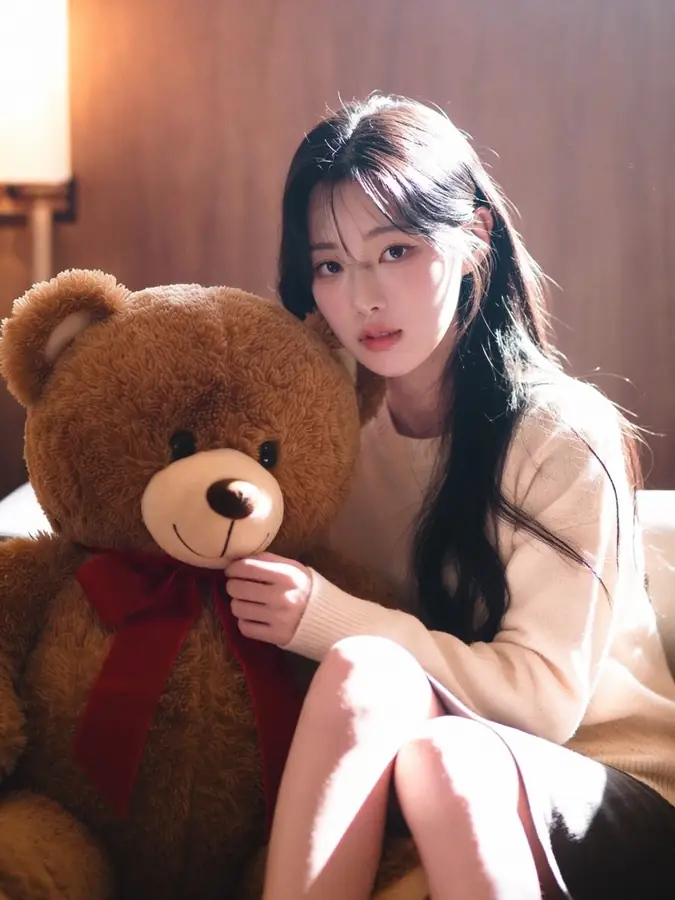
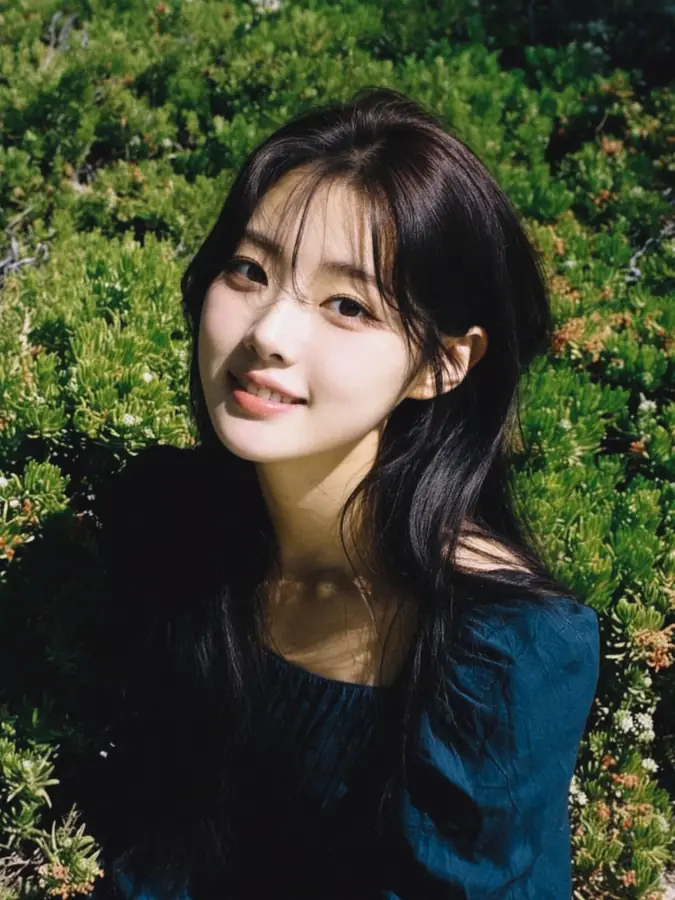
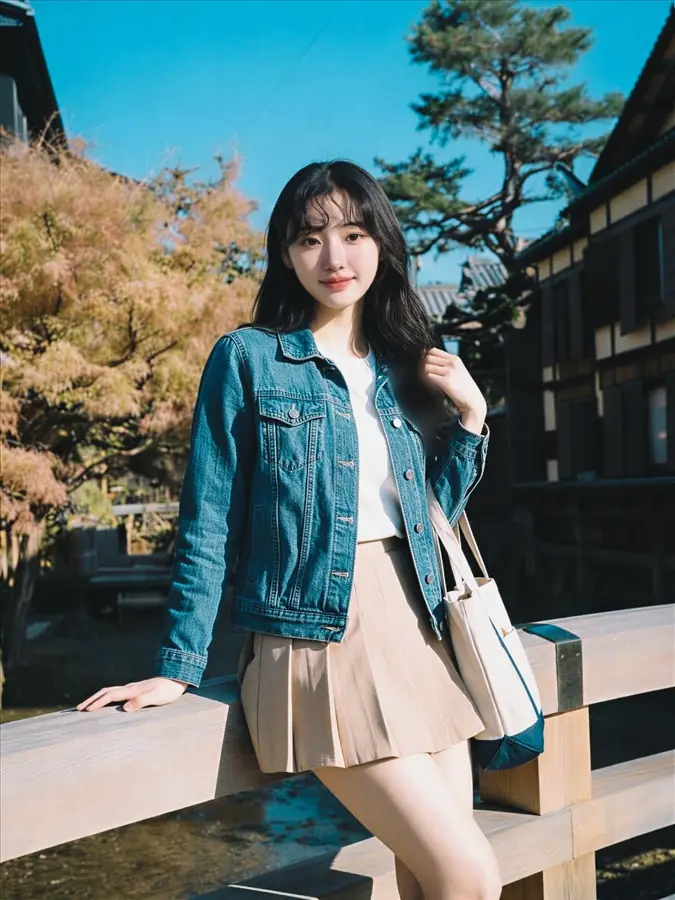
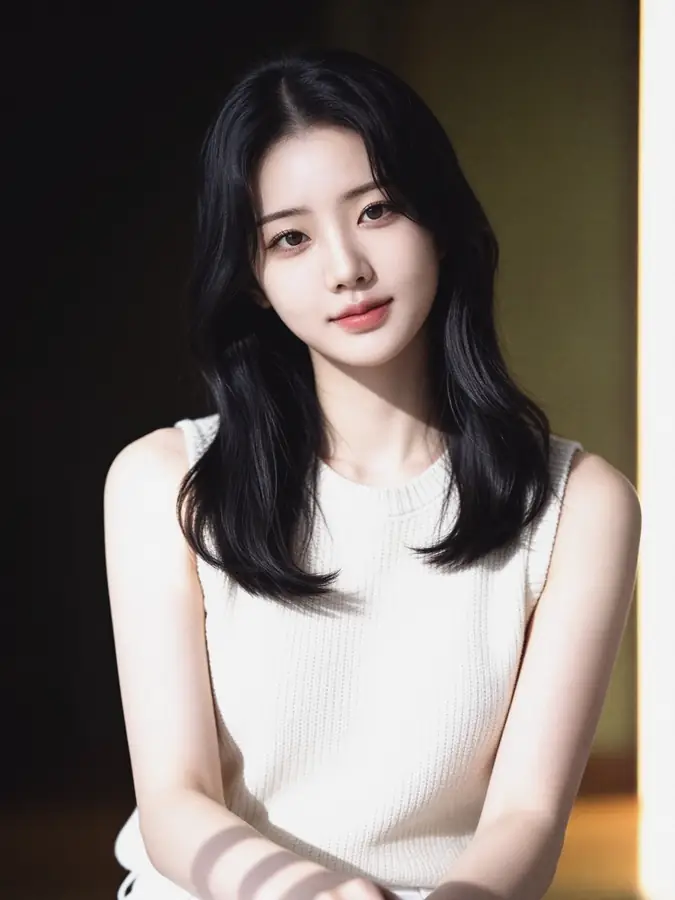
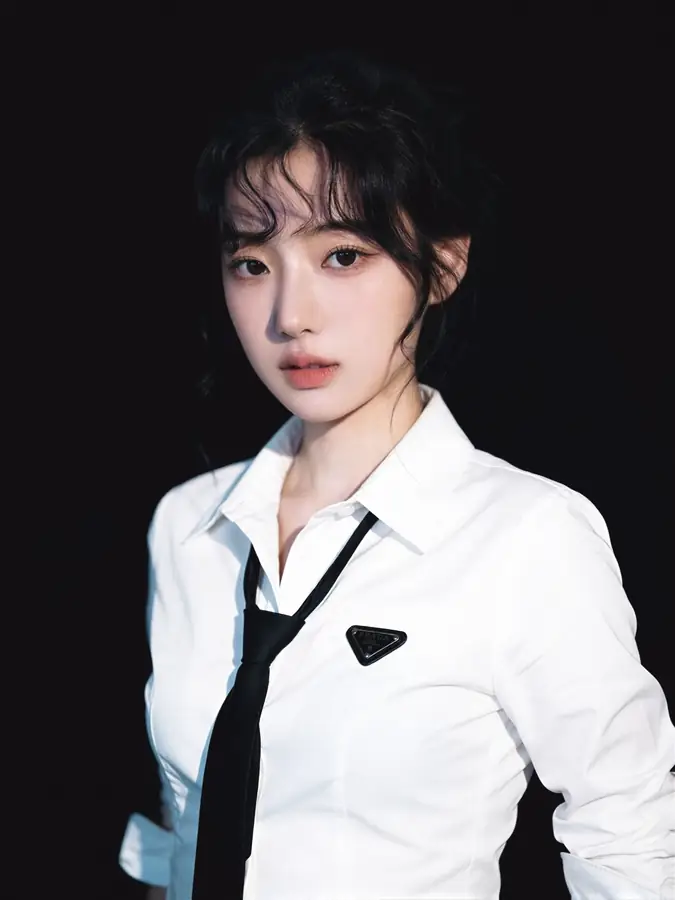
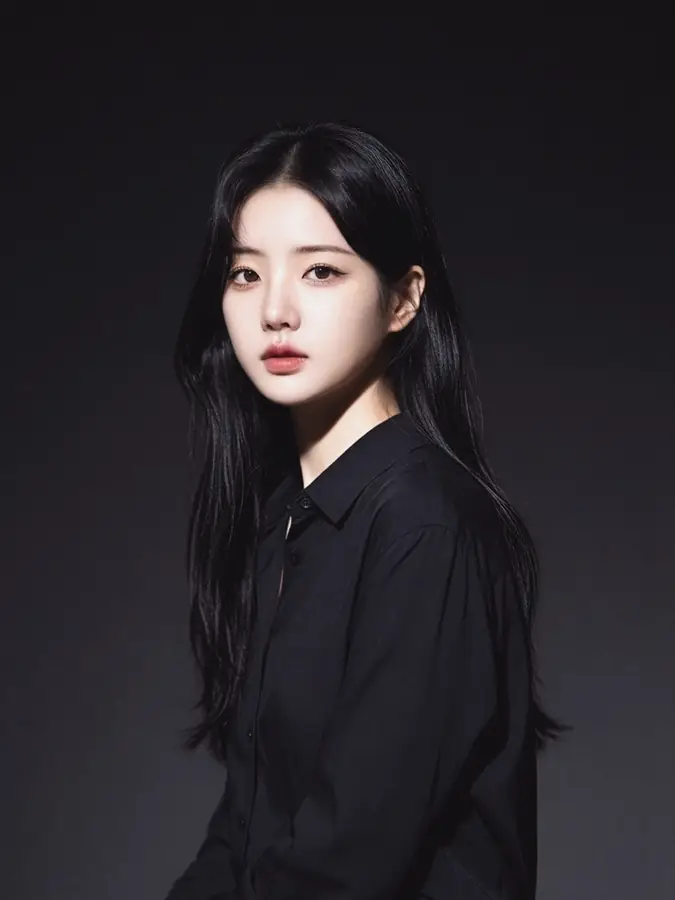
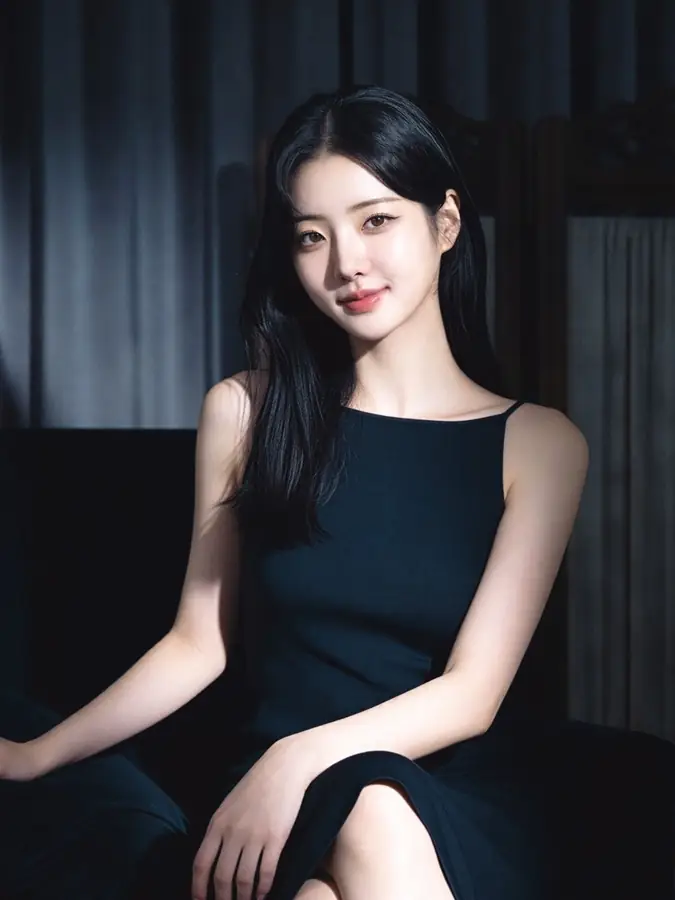
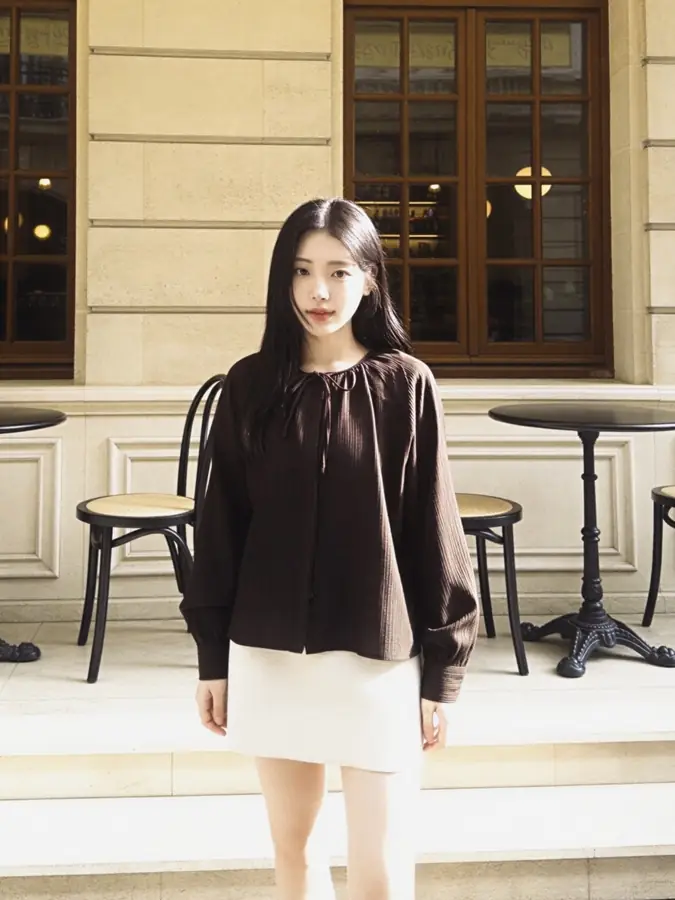
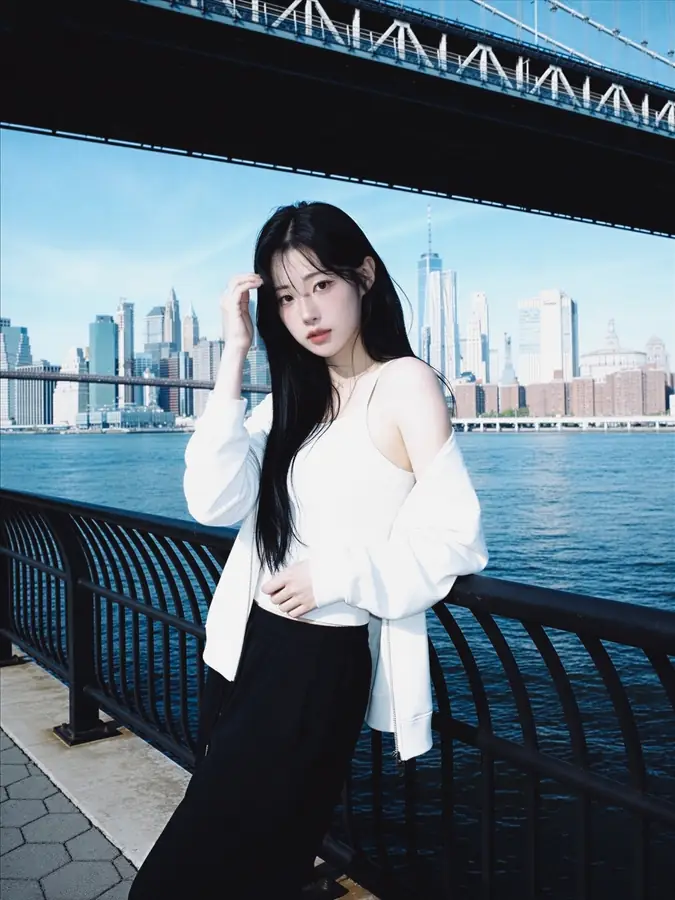
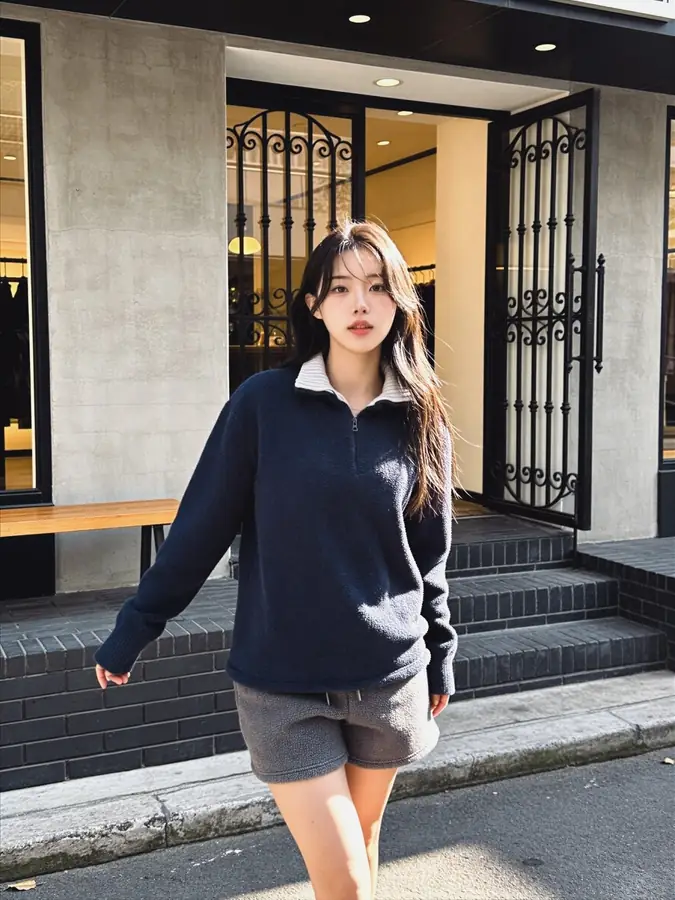
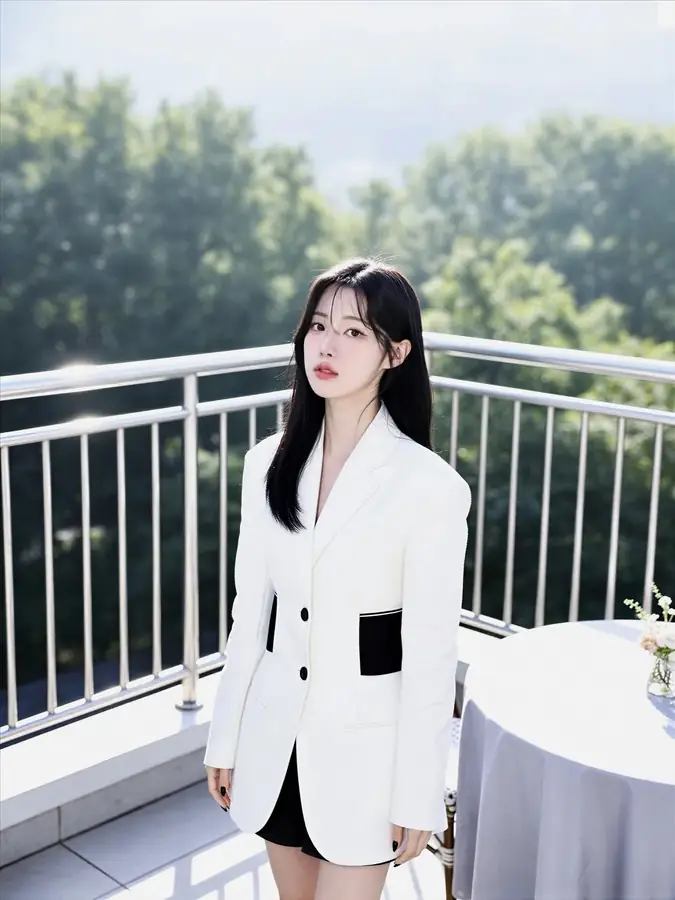
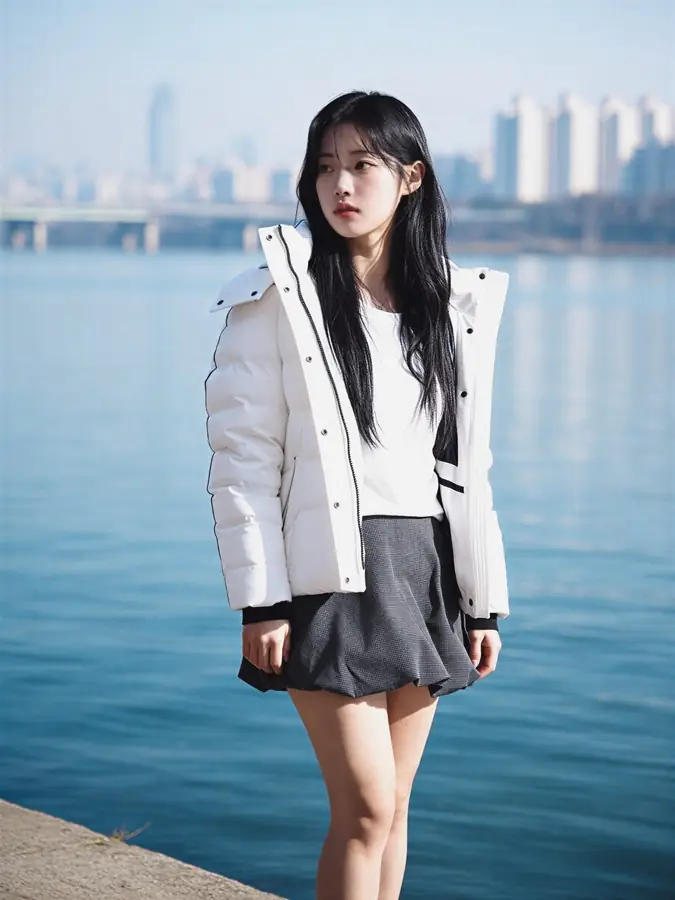
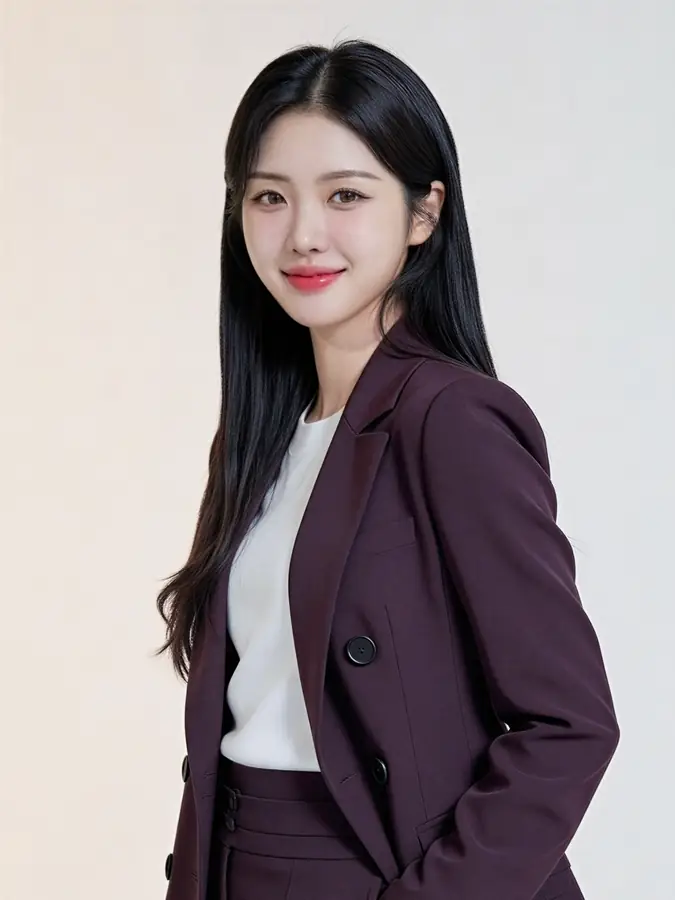
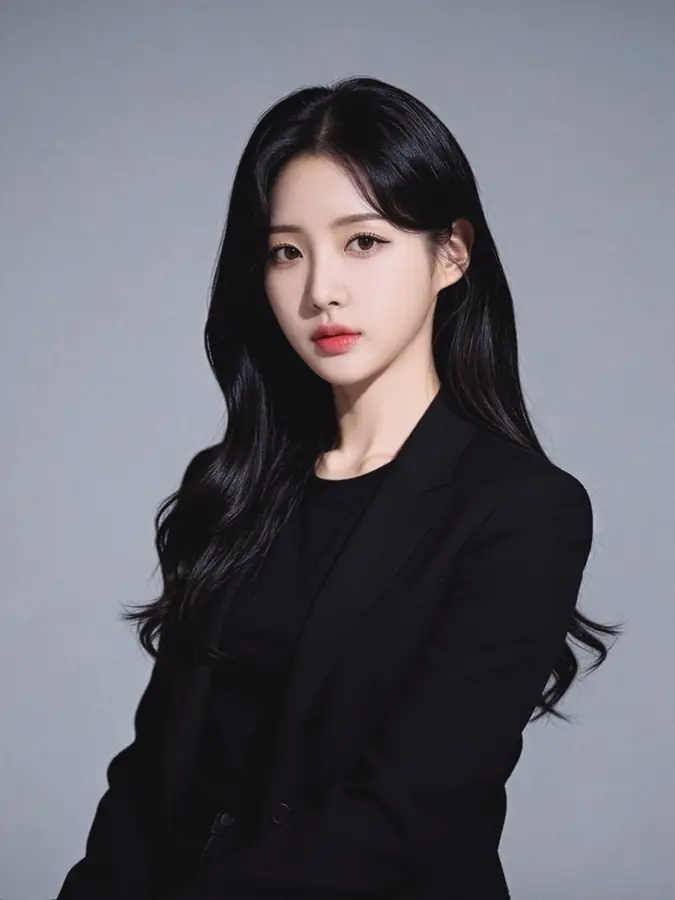
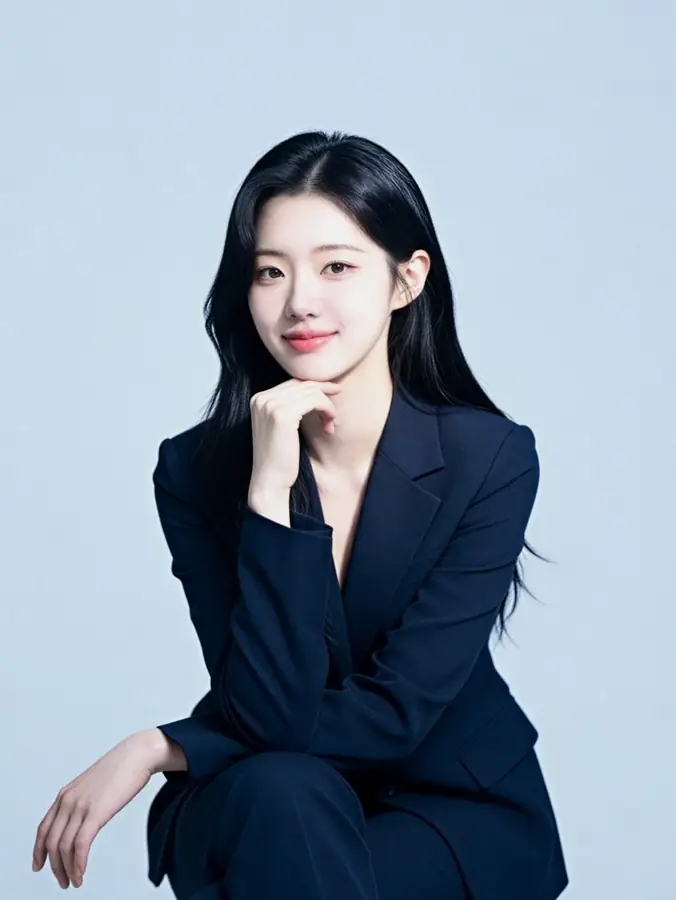
Upload a few selfies once and any of these becomes available to you. Each template carries its own lighting, styling and setting — what stays constant is your face.
Start creating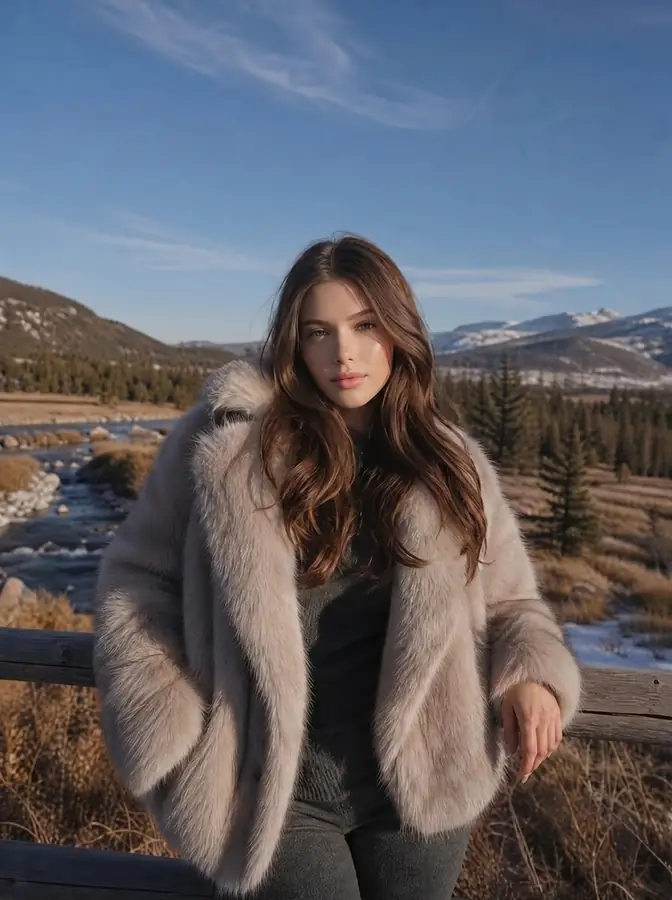
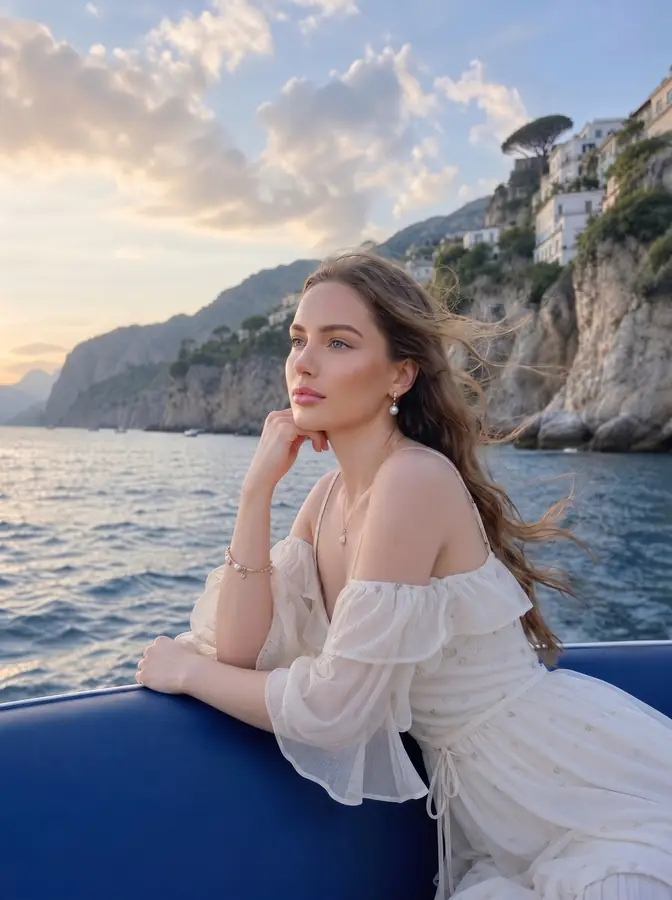
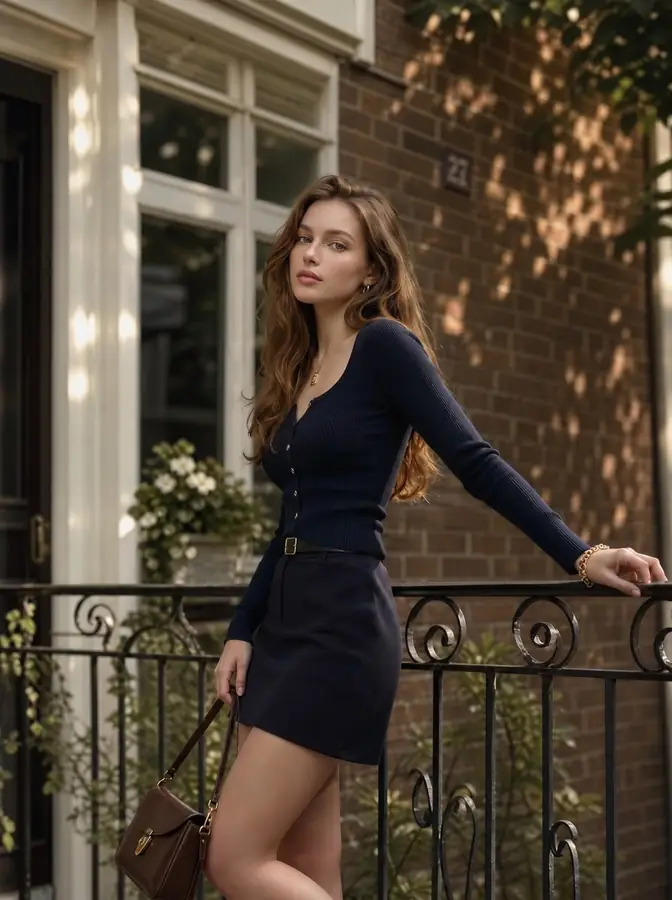
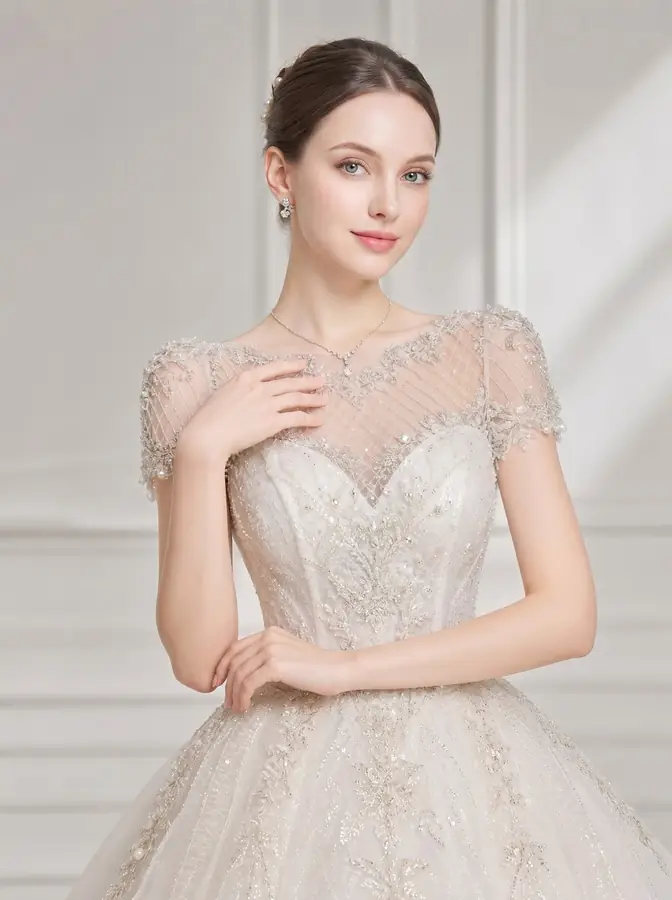

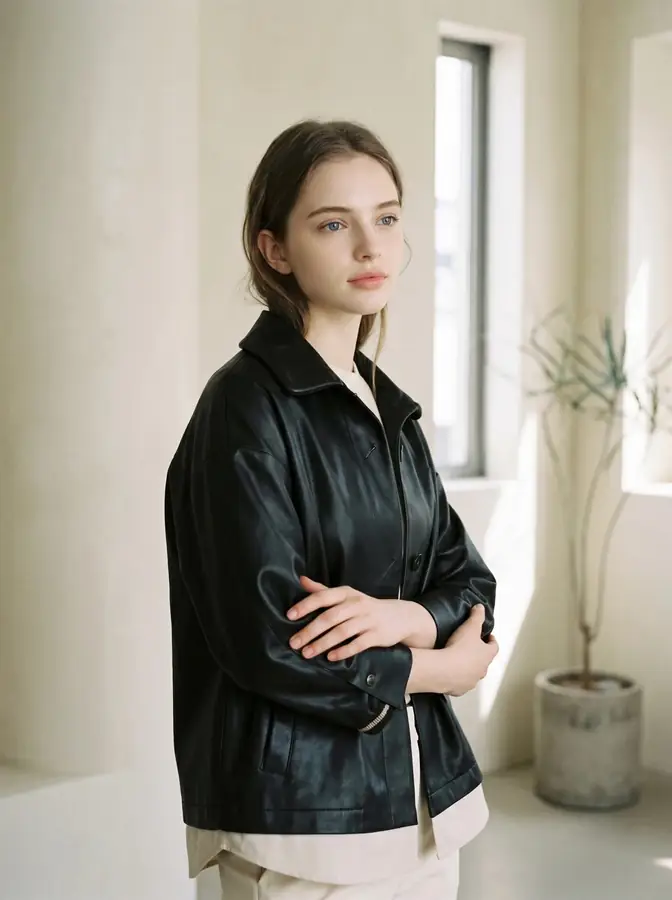
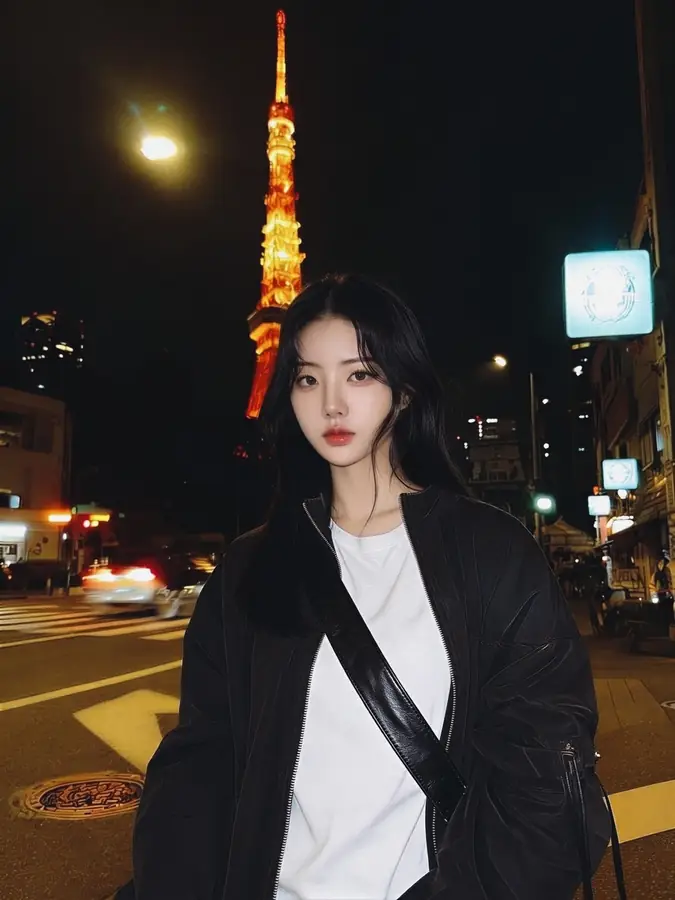
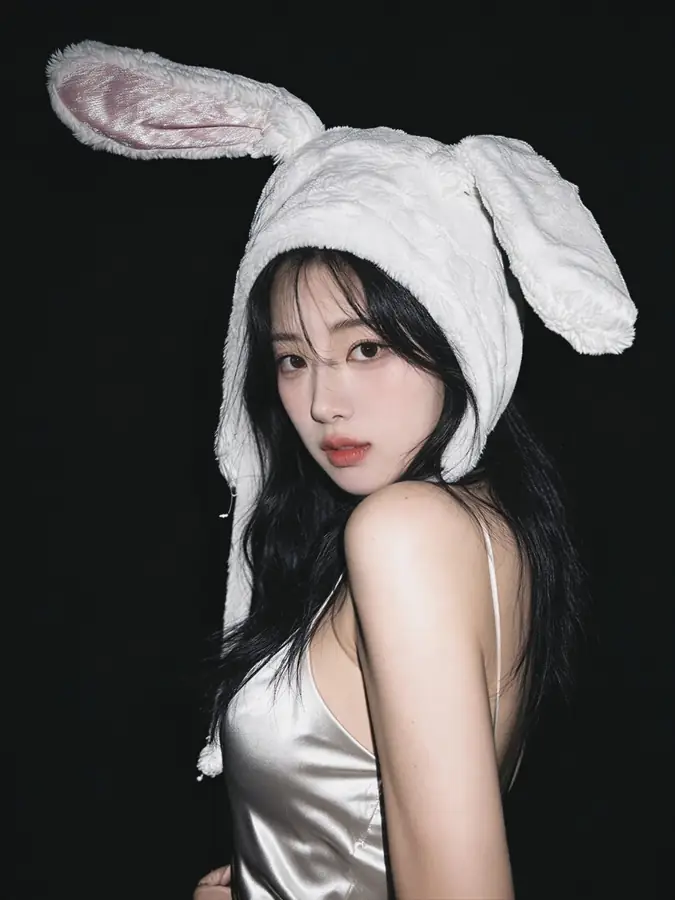
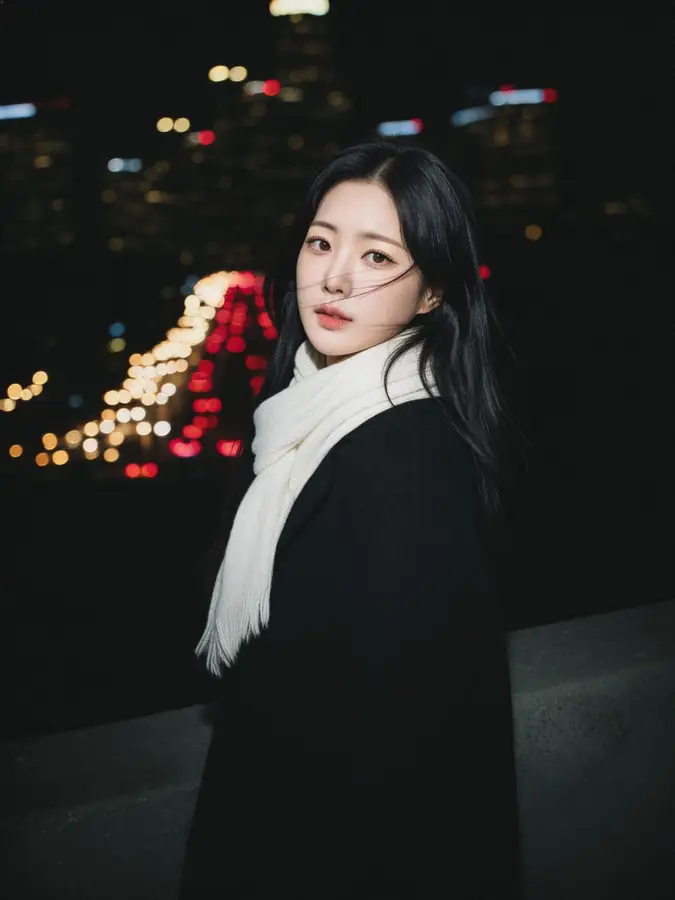
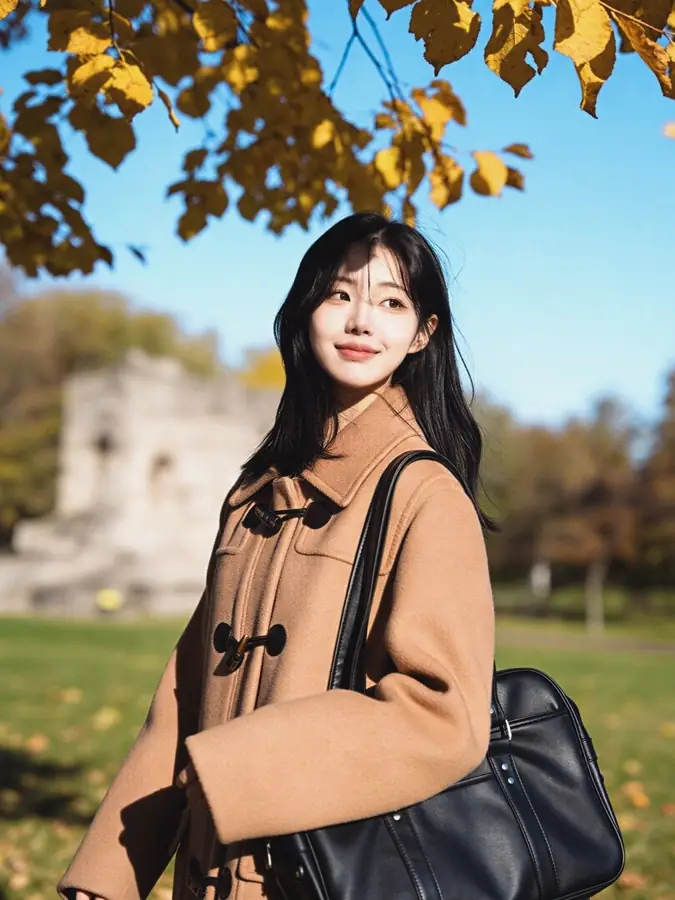
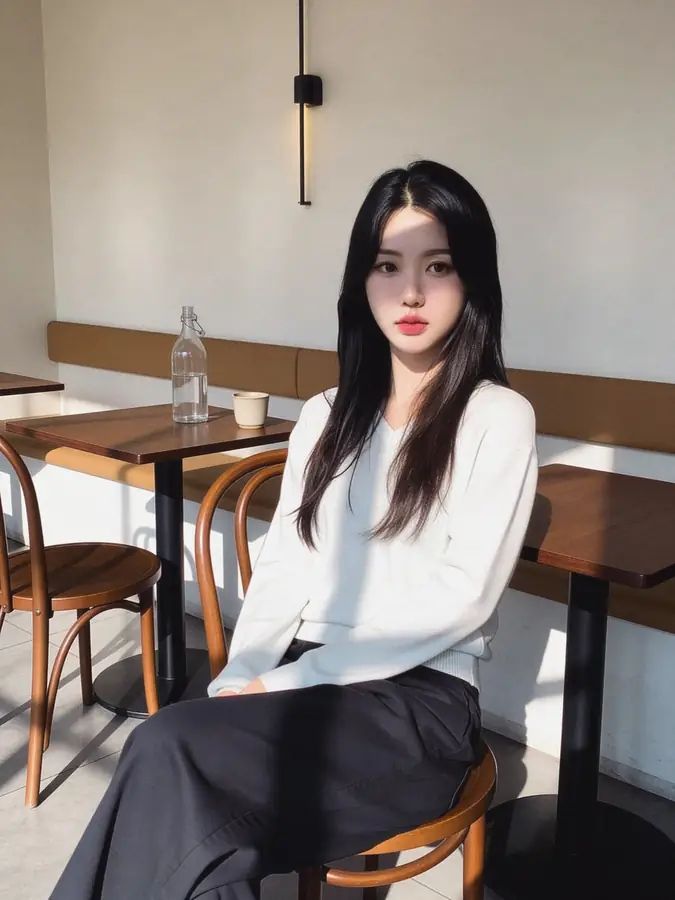
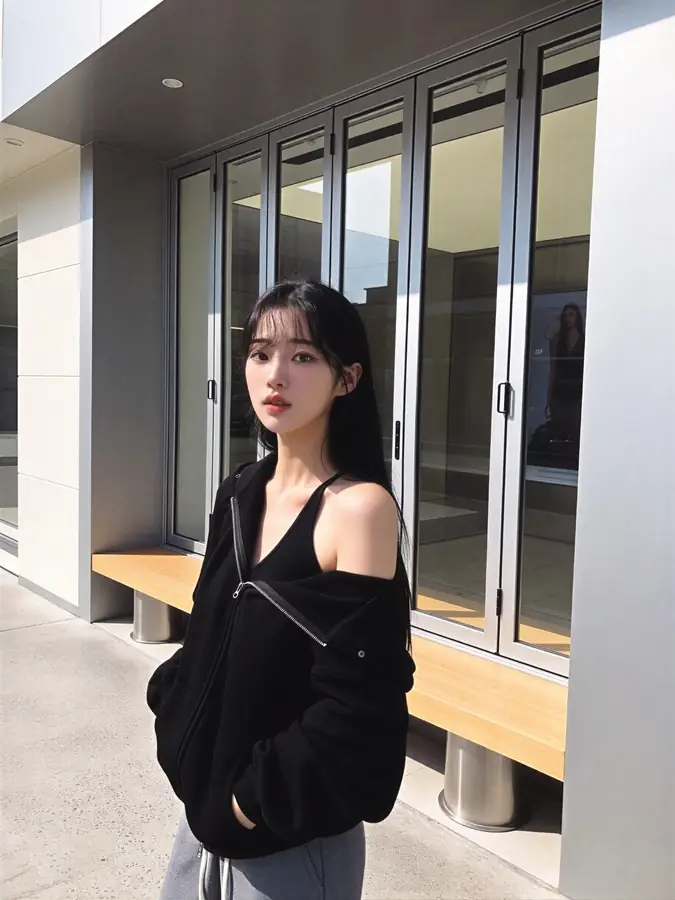
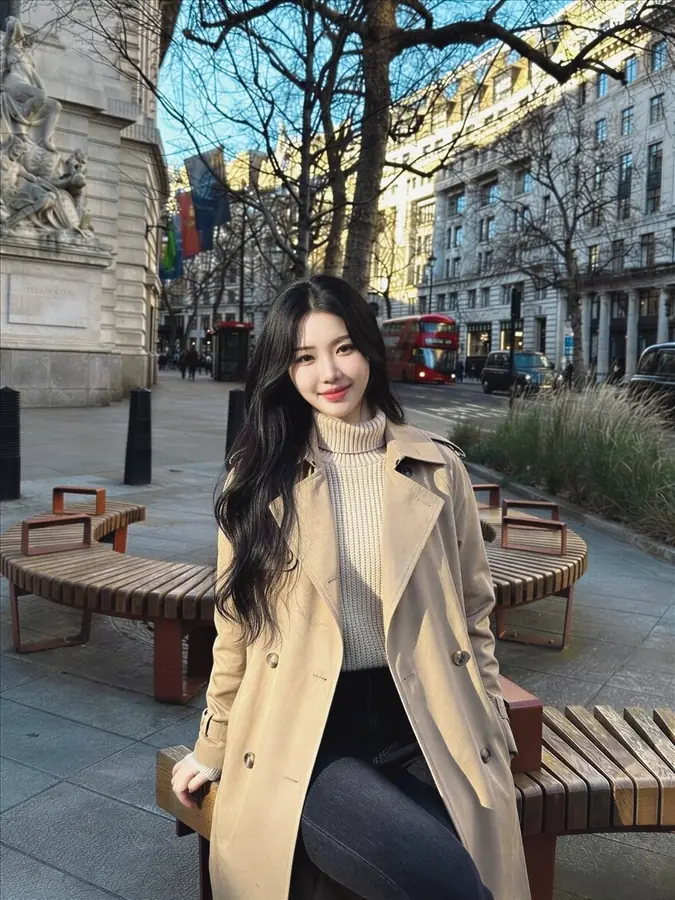
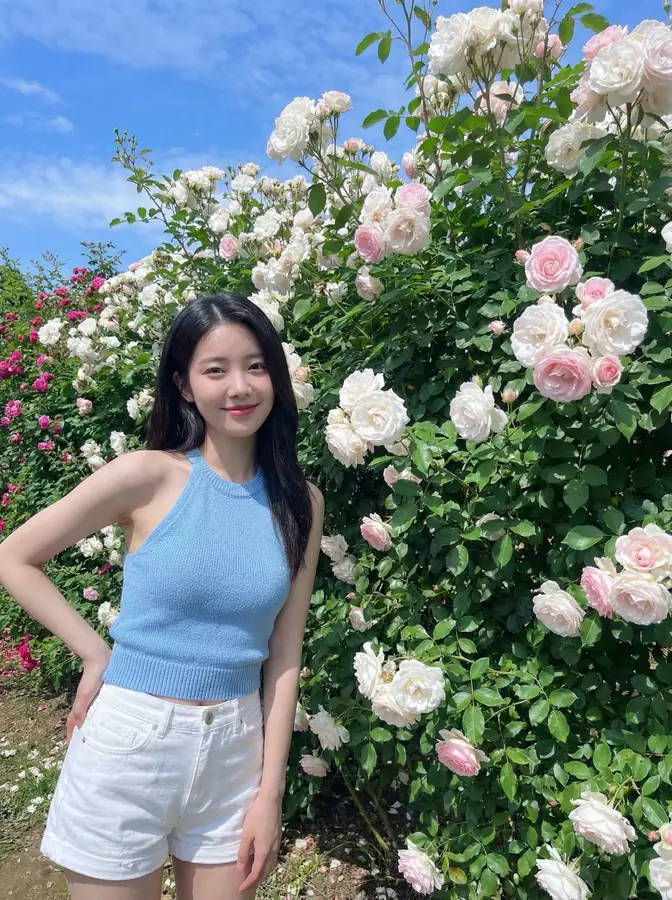

How to use a template
- 01
Upload a few selfies
Around ten ordinary photos, once. Your face model is reused by every template here.
- 02
Pick a template
Choose from the app's full catalogue — these are the popular ones, and there are many more.
- 03
Generate
About three minutes per photo, at full resolution, yours to keep.
Common questions about templates
- What is a template?
- A template is a finished photographic look — its lighting, setting, framing and styling are already decided. You supply the face. Picking one is closer to choosing a photographer's shot than writing a prompt, which is why the results are consistent rather than a lottery.
- Do I have to pick a template before uploading my selfies?
- No. You train your face model once, and every template in the catalogue becomes available to it afterwards. Nothing you choose here locks you out of anything else later.
- Why do the templates I see differ from someone else's?
- The catalogue is ordered by region, so the templates most used where you are appear first. Everything is available to everyone — only the running order changes.
- Can I use one template more than once?
- Yes. Templates are reusable, and generating the same one again gives a different frame rather than the identical photo, so it is worth running a favourite a few times.
- How many templates are there?
- Hundreds, across professional, profile, everyday, vibe-snap and flash-snap categories, and new ones are added regularly. This page shows the most popular of them; the app carries the full catalogue.
Make your first photos free
Free credits on every new account, on iPhone, Android and the web.