LinkedIn headshots that still read at 48 pixels
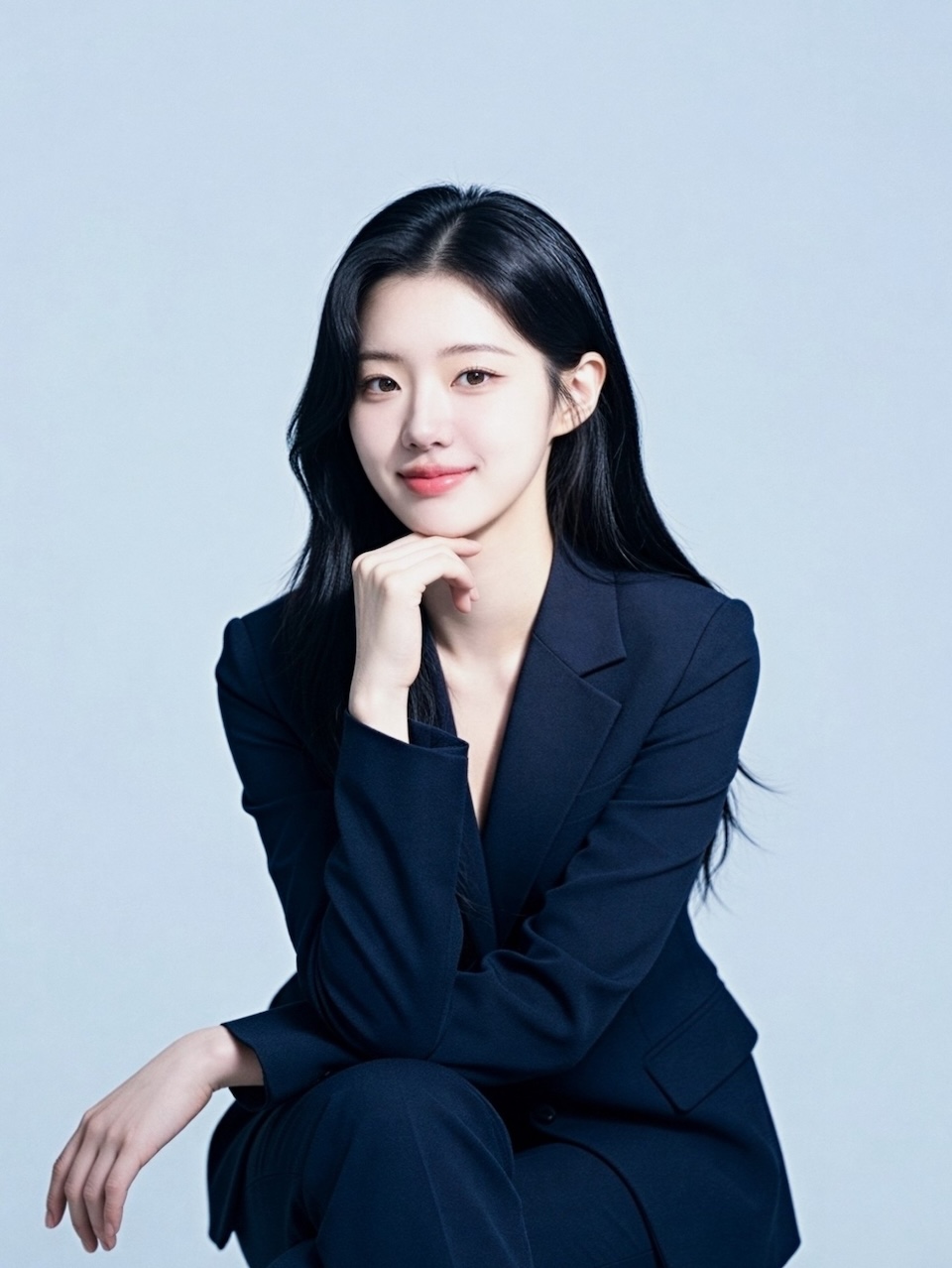
Your profile photo spends most of its life as a small circle in someone else's feed. Artisse generates LinkedIn headshots from your own selfies, framed tight enough to survive that crop.
Five free creations — no signup, no card
[stepsTitle — 3-5 words]
[stepsSubtitle — max 10 words, or leave as-is to hide it]
- step 11
[step 1 title — 2-4 words]
[step 1 body — 1 sentence, max 18 words]
- step 22
[step 2 title — 2-4 words]
[step 2 body — 1 sentence, max 18 words]
- step 33
[step 3 title — 2-4 words]
[step 3 body — 1 sentence, max 18 words]
- step 44
[step 4 title — 2-4 words]
[step 4 body — 1 sentence, max 18 words]
[benefitsTitle — 3-6 words]
[benefit 1 title — 3-6 words]
[benefit 1 body — 1-2 short sentences, max 30 words]
[benefit 2 title — 3-6 words]
[benefit 2 body — 1-2 short sentences, max 30 words]
[benefit 3 title — 3-6 words]
[benefit 3 body — 1-2 short sentences, max 30 words]
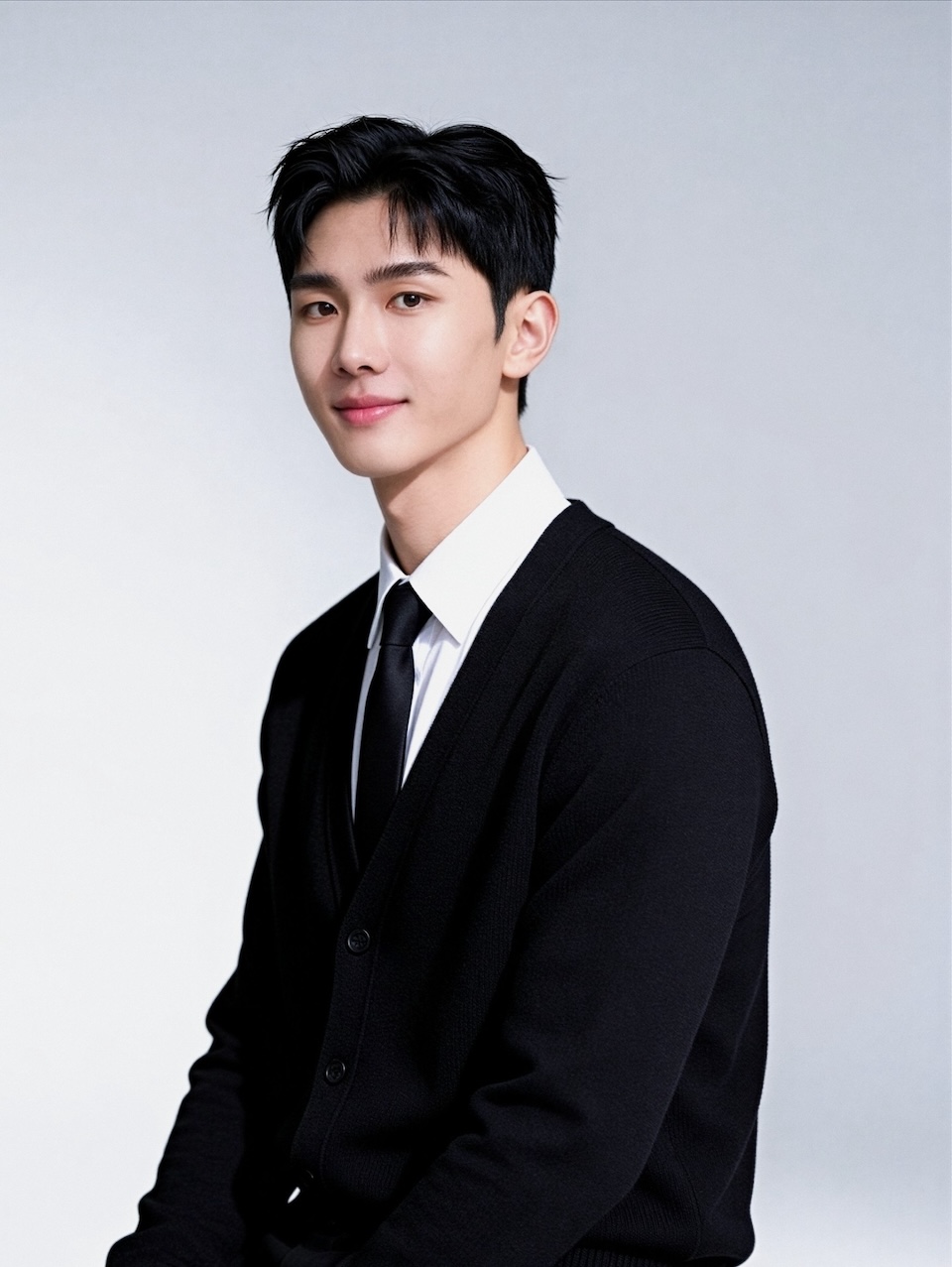
[uploadTitle — 3-6 words]
[uploadBody — 1 sentence, max 20 words]
What works
- [what works #1 — max 8 words, one concrete rule]
- [what works #2 — max 8 words, one concrete rule]
- [what works #3 — max 8 words, one concrete rule]
What gets rejected
- [what gets rejected #1 — max 8 words, one concrete rule]
- [what gets rejected #2 — max 8 words, one concrete rule]
- [what gets rejected #3 — max 8 words, one concrete rule]
What makes a LinkedIn photo work
A LinkedIn photo is not a portrait. It is a 48-pixel circle in someone's feed.
It has to survive that before anything else matters.
What LinkedIn actually renders
Profile photos are stored at 400 × 400 and displayed as a circle. About 150 px on your profile. Closer to 48 px in the feed, in search and in notifications.
Two things follow. Anything outside a centre circle is cropped. And small detail — a lanyard, a patterned tie, a busy office — turns to grey noise.
Frame tighter than feels natural
Head and the top of the shoulders. Eyes about a third of the way down.
Most people choose wider. A photo cropped at mid-chest makes your face a small element in a square, and that is the version that vanishes at 48 px.
Contrast beats background
A plain or blurred background beats a real office, because the circle crop removes the context that made the office mean anything.
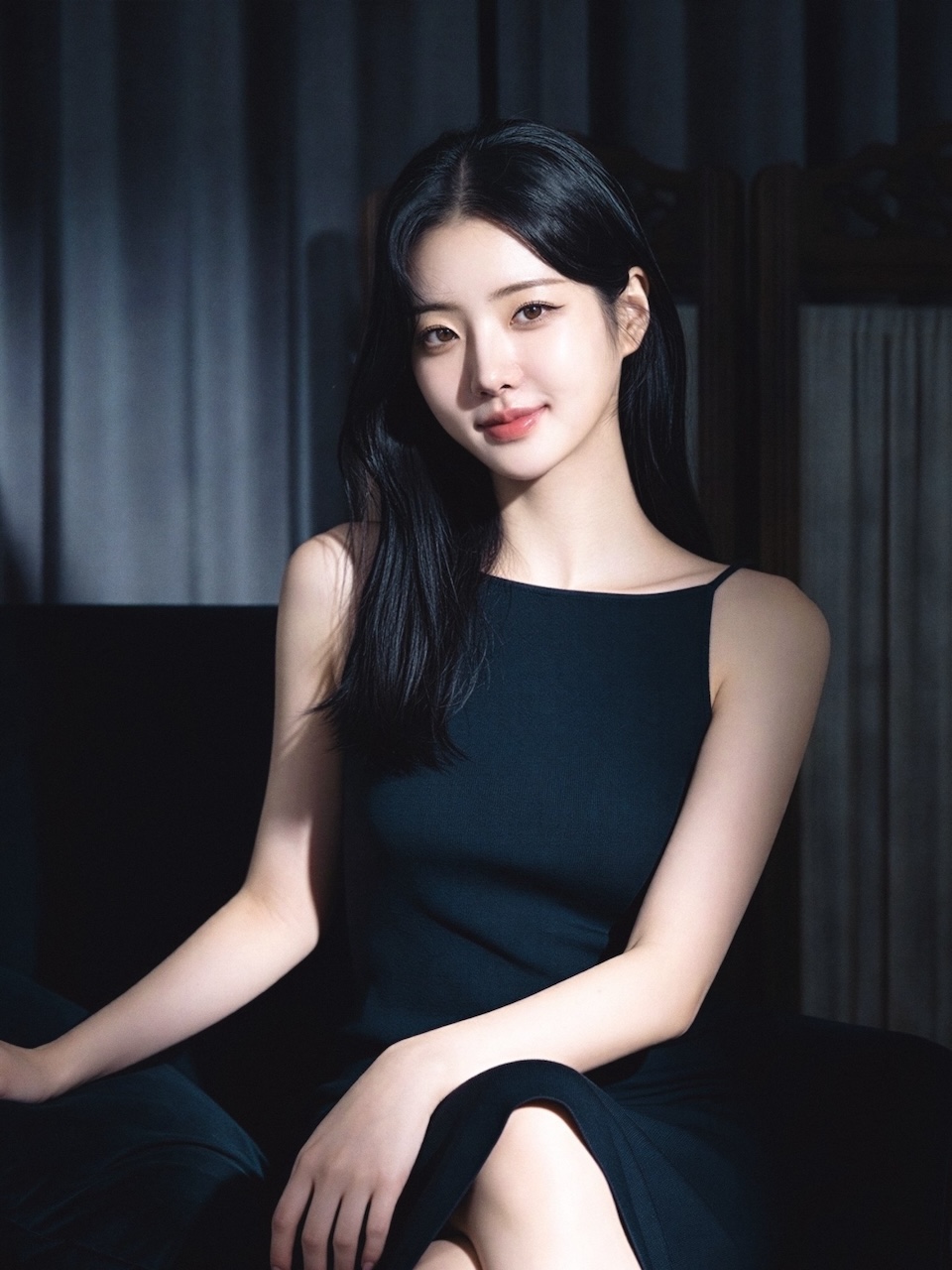
What matters is separation. Dark hair on a dark wall reads as one shape when small. Dark hair? Pick a lighter background. Light hair? Pick a mid-tone one.
Expression
People judge approachability fast. A closed-mouth smile that reaches the eyes reads as competent and warm.
Neutral can read as cold at small sizes — the cues that soften it are the first to disappear.
What to wear
Solid mid-tones. Fine stripes and small checks shimmer when downscaled. Pure white and pure black lose detail.
Match your field rather than dressing up. A lawyer in a suit and a designer in a crew-neck are both correctly dressed.
Is this allowed?
LinkedIn asks that your photo be a likeness of you. A generated photo trained on your own face meets that.
One that does not look like you does not — whatever made it. Keep the likeness honest; recognising you is the only job this photo has.
[galleryTitle — 3-5 words]
[gallerySubtitle — max 10 words, or leave as-is to hide it]
These photos are AI-generated.
[pricingTitle — 4-8 words. Lead with free, not price]
[pricingBody — max 45 words: no signup + 5 free creations, then 2 credits/set and 1/edit, link /pricing/. NEVER quote a price]
See pricing[privacyTitle — 4-7 words]
[privacyBody — max 45 words: kept until you delete the face profile, never shared, deletable anytime]
Read the full answersCovered in the press




TechCrunch, Forbes Australia, the Evening Standard and Khaleej Times have all written about Artisse, along with HackerNoon, Unite.AI, Tech Times and The Messenger. See the coverage
Common questions
- What size does LinkedIn use for profile photos?
- LinkedIn stores them at 400×400 pixels and renders a circle — about 150px on your profile, and closer to 48px in the feed, in search and in notifications. Anything outside the centre circle is cropped away.
- Will a generated headshot look like me?
- It is trained on the selfies you upload, so the likeness holds as long as those are varied — different angles, lighting and expressions. The test that matters is whether a colleague would recognise you from it; if not, it is not doing the profile photo's job.
- Is it against LinkedIn's rules to use an AI headshot?
- LinkedIn requires your profile photo to be a likeness of you, not a logo, a cartoon or another person. A generated photo trained on your own face meets that; a photo that does not look like you does not, whatever produced it.
- What should I wear for a LinkedIn headshot?
- Solid mid-tones. Fine stripes and small checks can shimmer when the image is scaled down, and pure white or black can lose detail. Match the formality of your own field rather than dressing up for it.
- What does a LinkedIn headshot cost here?
- Generating photos uses credits, and a free trial covers your first few. Current credit packs and subscription tiers are on the pricing page — they change, so it is the one place worth checking rather than a number quoted here.
Headshots for other roles
Ready for a photo that reads at any size?
Upload a few selfies and pick a professional template. You can regenerate until the framing is right.