A studio in your phone, minus the studio
A studio session is a room, a set of lights, a photographer, an hour of your time and a fee — and it produces perhaps three photographs you actually use. Most of what you are paying for is control over light. Upload a few selfies and you can have that control on demand, without the room or the hour.
Five free creations — no signup, no card
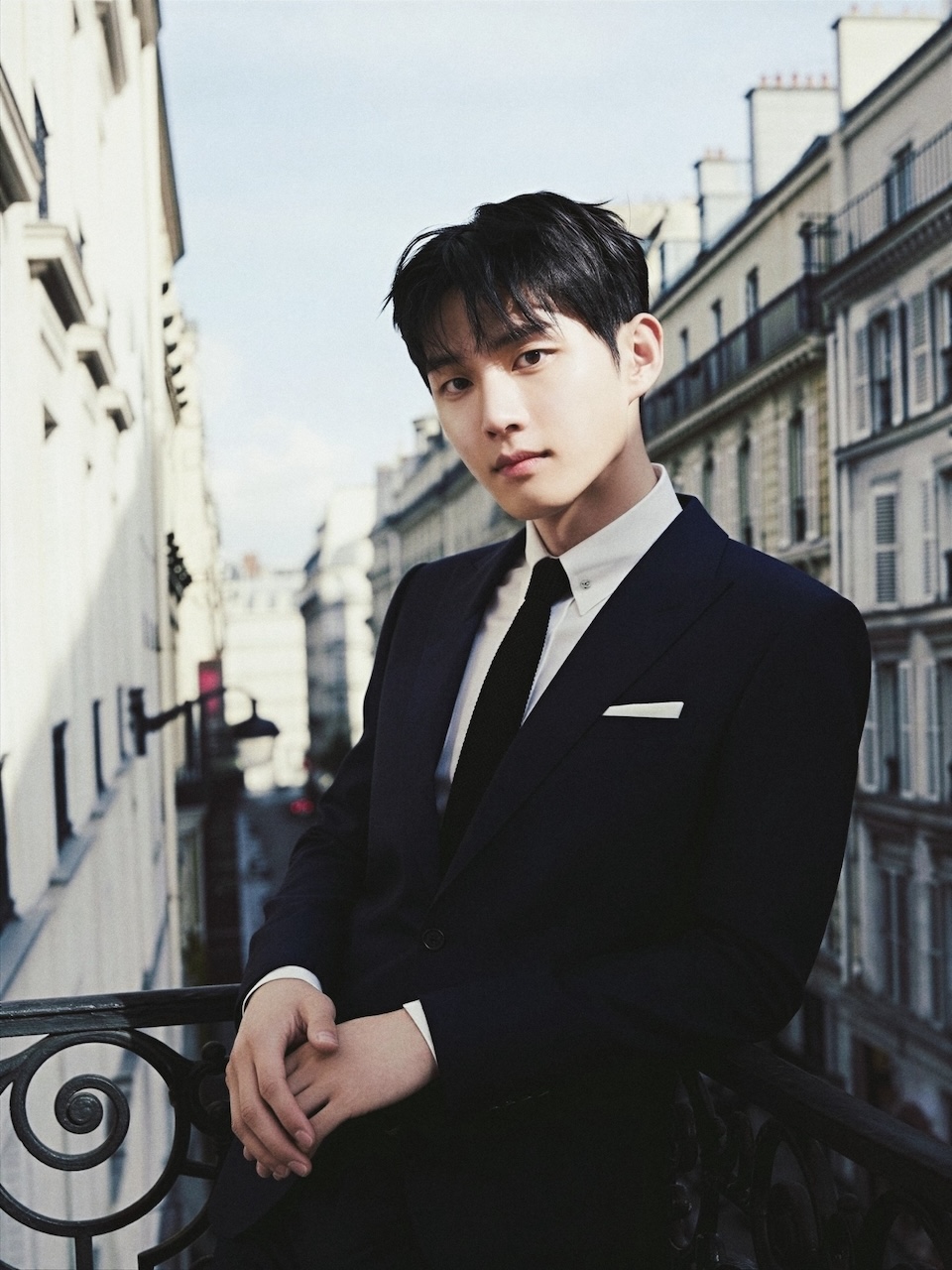
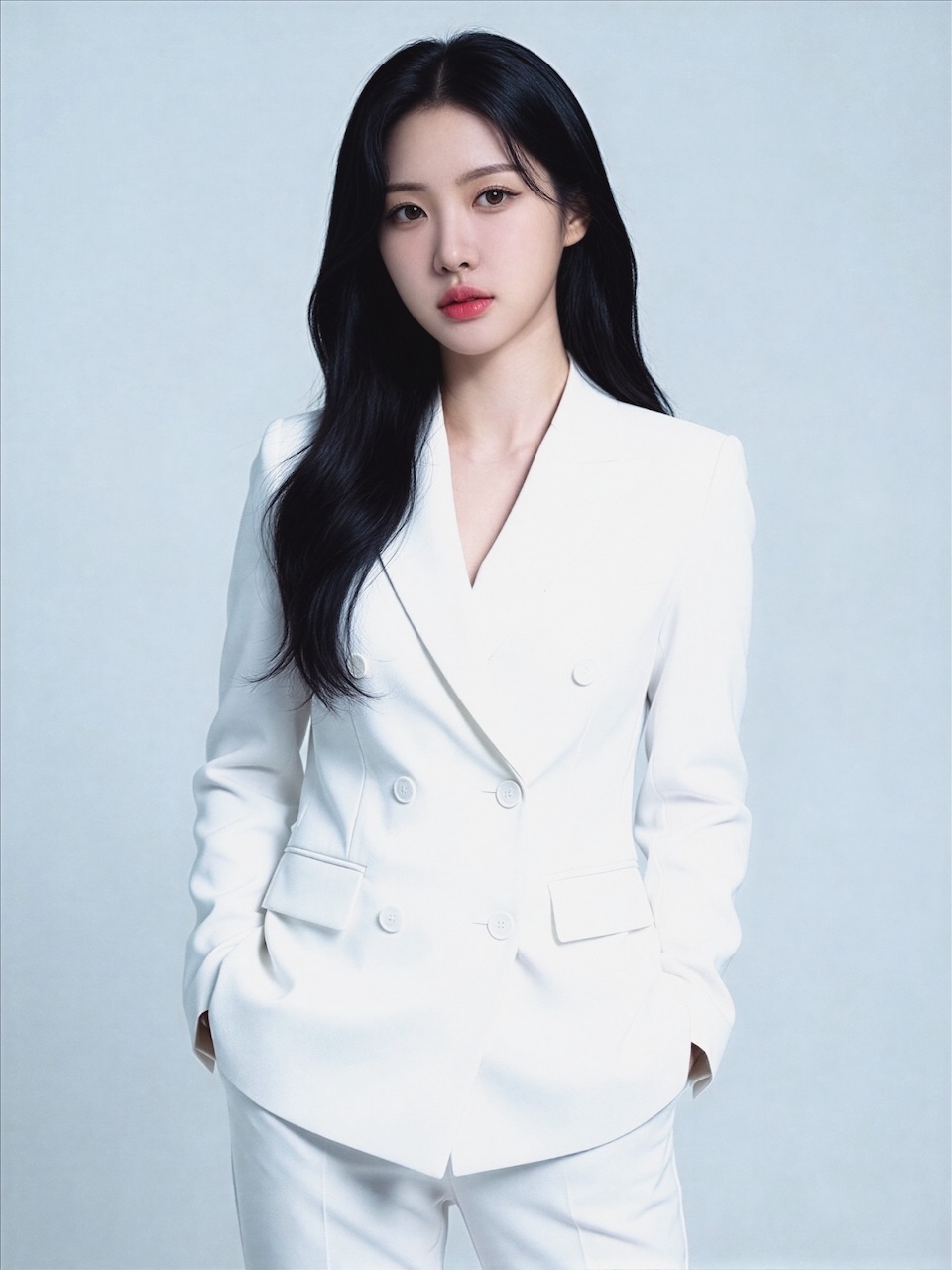
Replacing the session
- step 11
Bring your own face
Ten ordinary selfies replace the sitting. No hour blocked out, no travel, no getting there early.
- step 22
Choose the lighting
Soft frontal, hard side light, window light, plain backdrop. These are the decisions a photographer makes for you, made explicit.
- step 33
Shoot until it is right
The expensive part of a studio is the clock. Removing it means you can be fussy, which is usually what produces the good frame.
What the studio was for
Controlled light
The single thing that separates a studio portrait from a snapshot, and the part that transfers most completely.
A clean backdrop
Plain grey, white or black. Simple in a studio, oddly difficult at home, and trivial here.
Consistency across a set
A team page where everyone was shot differently looks worse than one where nobody was shot well. Consistency is a studio's real product.
Being able to redo it
Hair changed, role changed, two years passed. A studio charges again; this does not.
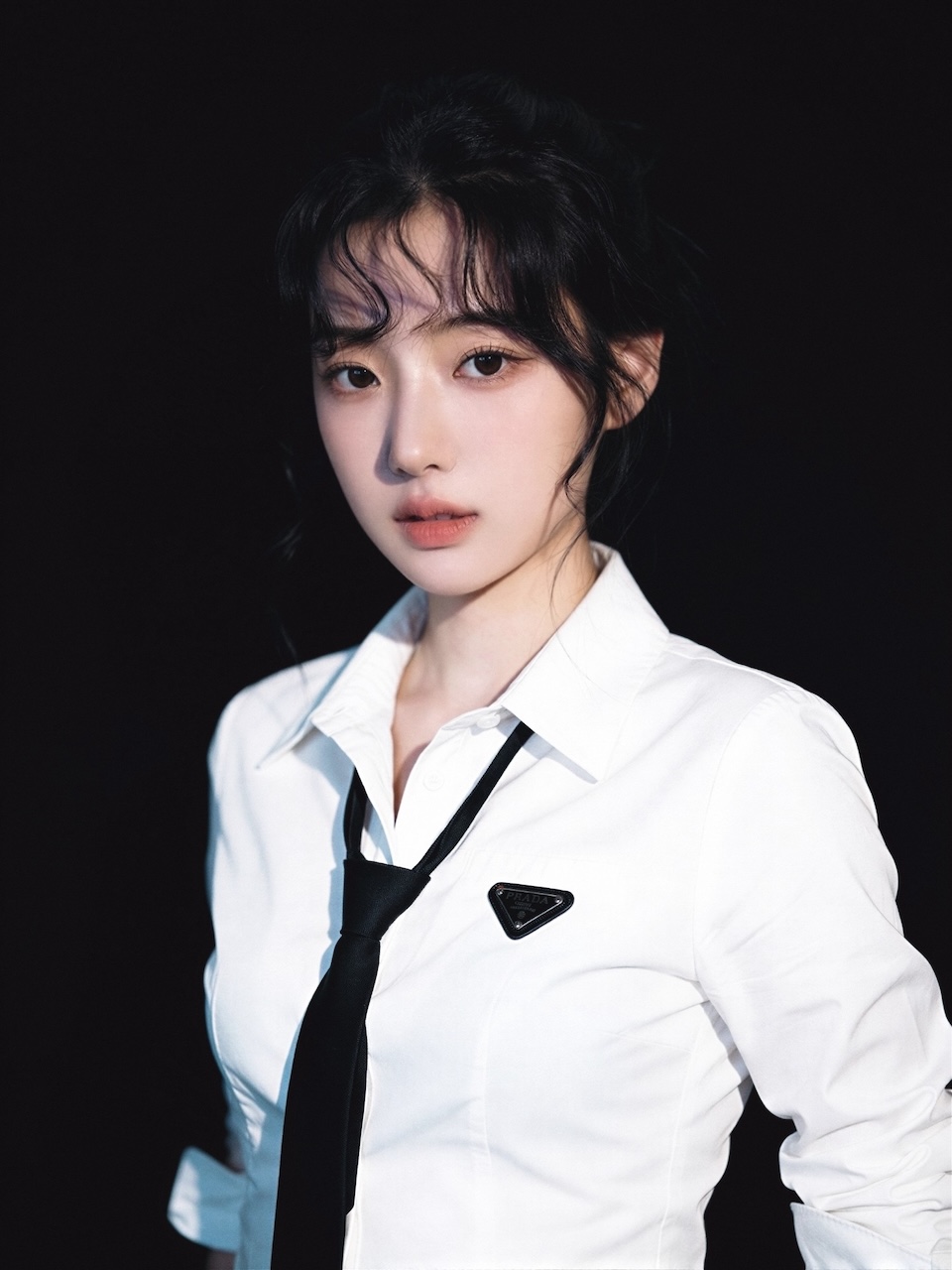
body copy — content/pages/slug.html
Start free, then pay only if you keep going
You can try it without signing up. Every new visitor gets ten credits — five free creations — usable on every part of the app including AI edits, which is enough to upload your selfies, generate a set and judge the likeness before spending anything or handing over an email. After that a photo set costs 2 credits and an edit costs 1 per image, and a failed generation is refunded automatically. Current packs and tiers are on the pricing page.
See pricingWhat happens to the photos you upload
Your selfies are used to build your own face model and generate images for you, nothing else. They are not sold, rented or shared, and no third-party AI service, ad network or external processor receives them. Source photos are kept until you delete the face profile; deleting your account permanently removes your model and images.
Read the full answersCovered in the press




TechCrunch, Forbes Australia, the Evening Standard and Khaleej Times have all written about Artisse, along with HackerNoon, Unite.AI, Tech Times and The Messenger. See the coverage
Common questions
- What does a real studio still do better?
- Three things, and they are not small. A photographer reads the room and gets you to relax, which is most of why studio portraits look natural. They notice on the day that something is not working and change it. And they take responsibility for the result. If you need one definitive portrait — a book jacket, a campaign, a leadership page — book a photographer. If you need many, updated often, this is the better trade.
- Is the quality actually comparable?
- For controlled-light portraits on plain backdrops, close enough that most viewers would not question it. It falls off where the image has to be true to something specific: your actual clothing, a real location, other people in frame, or hands doing anything complicated.
- Do I need good lighting to take the selfies?
- No, and varied lighting is better than good lighting. The uploads teach the model your face across conditions; they are not the output. Ten photos in different light on different days beat five well-lit ones from a single afternoon.
- Can I get a plain white or grey background?
- Yes — the professional templates are built around exactly that, because it is what most formal uses ask for and what travels best across contexts.
- What resolution do I get?
- Full resolution, well above what web use needs. Print is where you should check the specific file rather than assume, since print is far less forgiving than a screen.
Skip the booking
One upload, then studio lighting whenever you need it. Browsing needs no account.